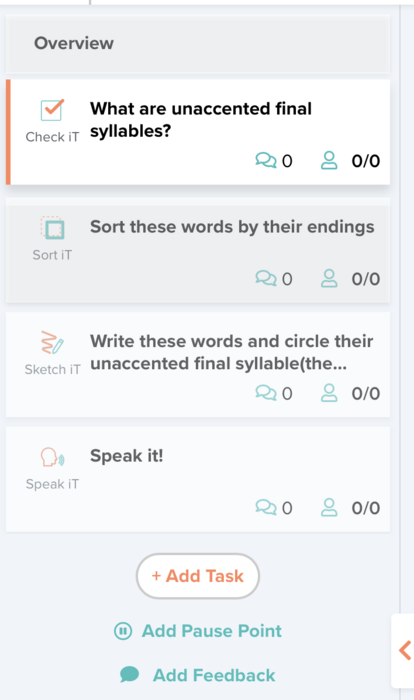
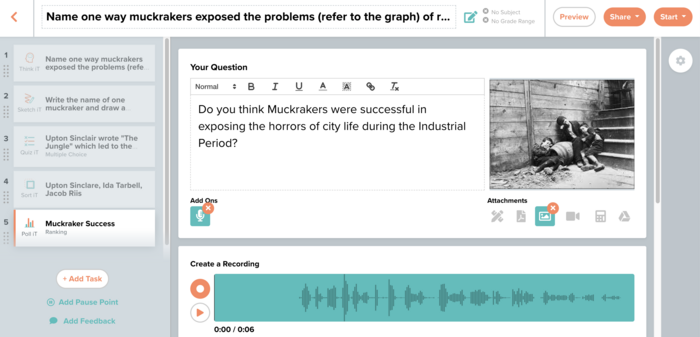
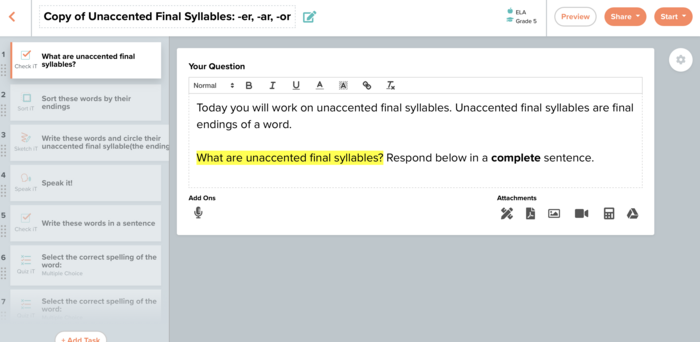
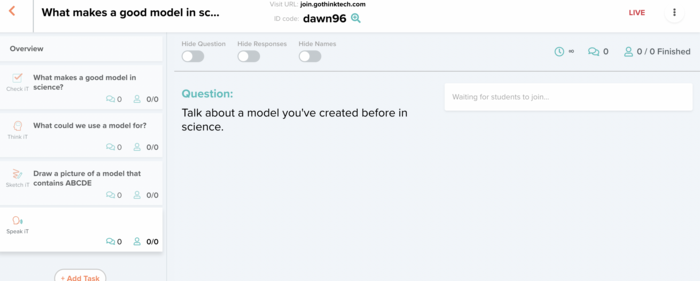
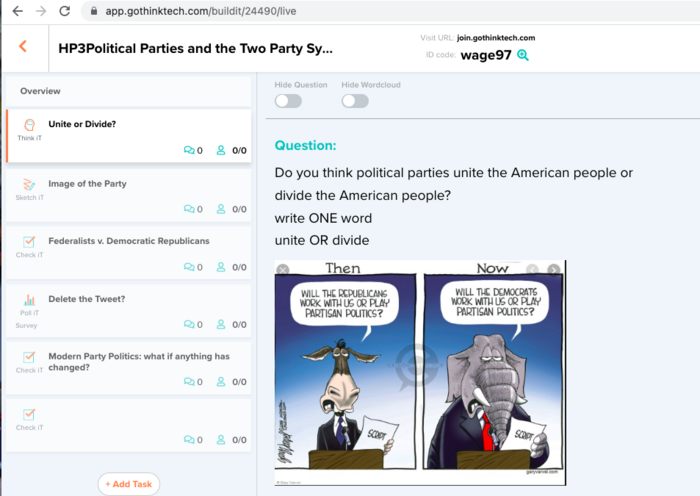
Make a multi-task Thinktech lesson using at least 4 different tools.
In this Task:
- Watch the two videos (see below) to review how to create Thinktech tasks.
- Single Task Launch
- Build a Multi-Task Lesson
Resources:
Your Task:
[1] Make a multi-task lesson using at least 4 different tools.
- Check iT
- Think iT
- Poll iT
- Sketch iT
- Sort iT
- Speak iT
- Quiz iT
Evidence of Learning:
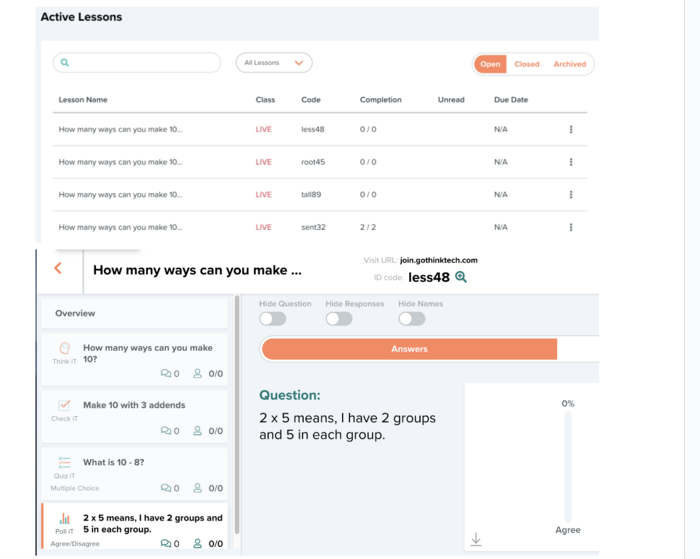
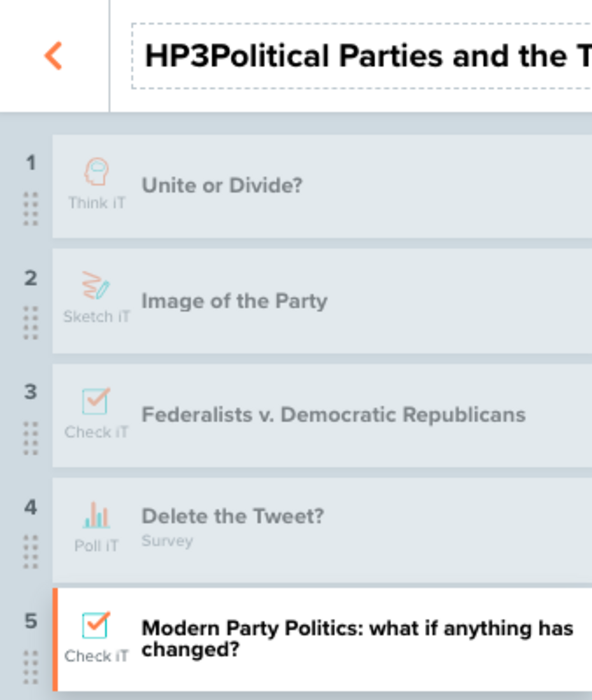
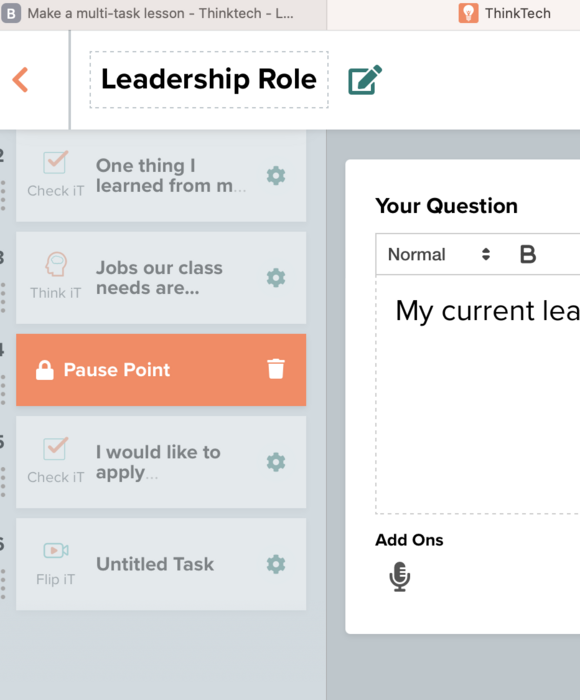
[1] Submit a pic of your "teacher timeline" (that shows the tasks) on the left of your launched lesson.
[2] Submit the launch code. Please keep the lesson "live" until you receive your badge.
http://www.gothinktech.com


 Thinktech - Level 1: Getting Started
 chrissy
Over 2 years ago
chrissy
Over 2 years ago