Schoology 1.1 Getting Started

Part 3 - Organizing Your Course

Only editable by group admins

  • Last updated February 1, 2023 at 5:58 AM by sweethometc
  • Evidence visible to public
Organization of your Schoology Course

In This Task:

Consider best practices for organization of your Schoology course content. 

Your Task:

  1. Watch the video resource: "Folders and Organization in Schoology"
  2. Create an organizational system that you want to attempt to use with your students.  Think about how you want to create your content and then determine an organizational method that you think will be a good way to start. 
    1.  Do you want to use a color coded folder system?
    2. Do you want to use a naming system by Unit of study?
    3. Will you include Dates or date ranges in your naming of folders?

Resources:

Video: Folders and Organization in Schoology (4:00)
https://drive.google.com/file/d/1zlvcvDvJMVCQl5tYD84mog4SnNRBAHut/view

Evidence of Learning:

  1. Submit: a pic/screenshot of your organizational format you created in your course.
  2. Reflect: What made you choose this format for yourself or your students?

All posted evidence

Folders are organized based on level. In each folder there is the assignment, link to questions, and the file that they will use each week.

There was a problem processing this image, the file may be of an invalid format.

Uploaded Filename: Screenshot 2024-04-10 at 8.16.48 AM.png

lindsay-gimlin Over 1 year ago

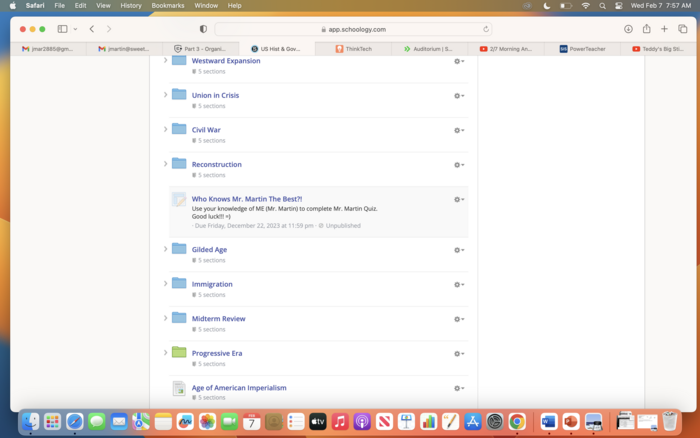
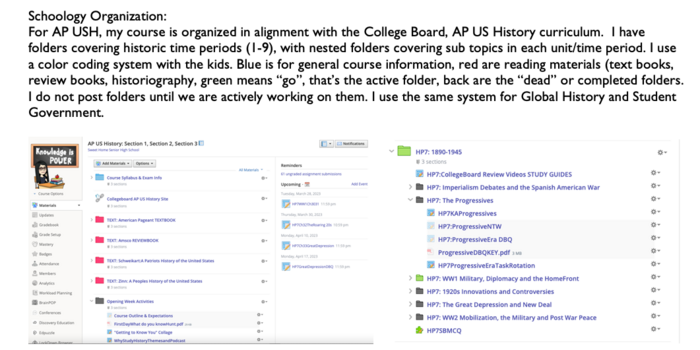
USH folders are organized chronologically, Blue Folders (Past), Green Folder (Current). All assignments, videos, etc. in folders.

martjd28 Almost 2 years ago

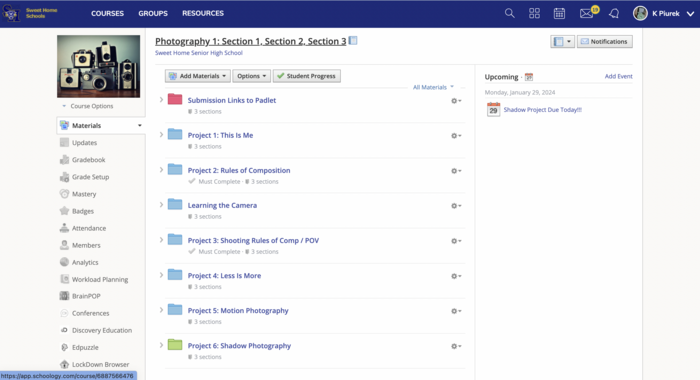
I love to organize by project name using a color system. Green means "go" and I change the folder colors we are currently on to green.

kpiurek Almost 2 years ago

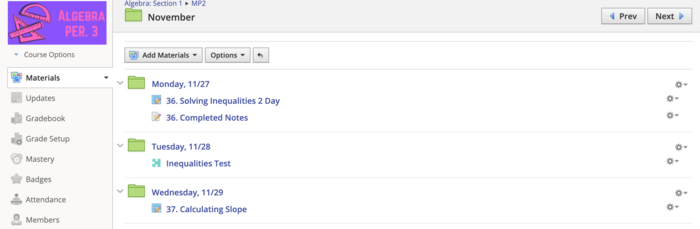
Organization is key. I make a folder for each day and to take it further assignments in powerschool has a matching date, work can be found.

dtracz About 2 years ago

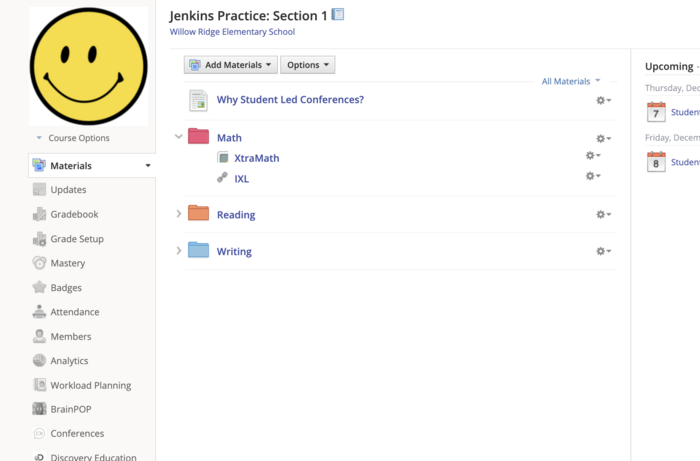
I decided to organize my course with folders. I used the colors that they use all of the time. Links, directions, and materials can be found in the matching subject folder in the course.

jjenkins About 2 years ago

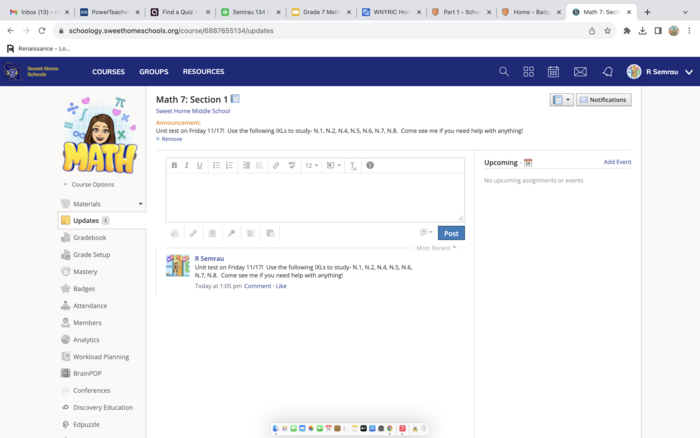
I have never used an "announcement" before, so this is something I will post when there is an upcoming test for students and parents to view

rachaelsemrau About 2 years ago

Posted Image

rachaelsemrau About 2 years ago

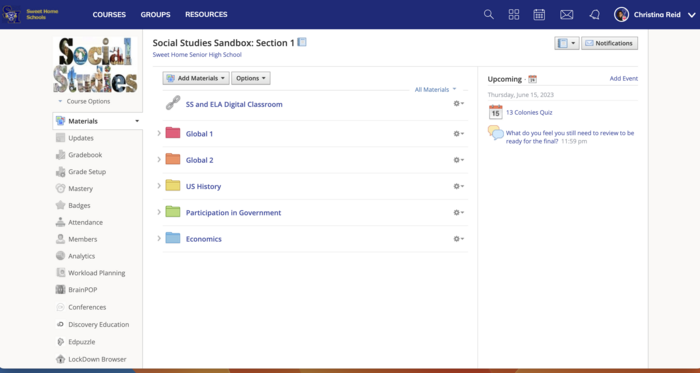
In the AAC I support all social studies courses, so I gave each course its own folder. Anything that applies to all SS classes, I left on the main page for all to see.

chrissy Over 2 years ago

Posted Image

emily-balisteri Over 2 years ago

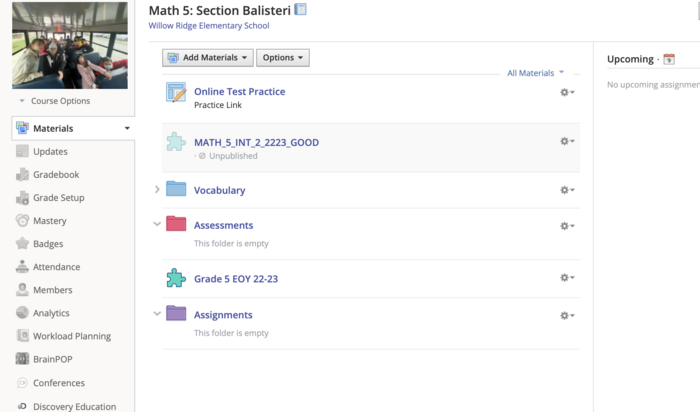
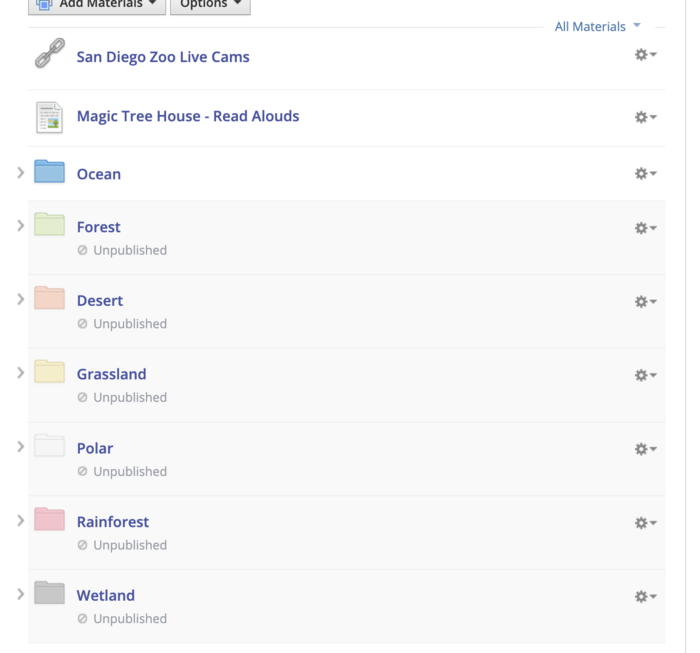
In this organization - I used both colors to represent the different habitats and then publish/unpublish the folders as they are used!

jessica-sears Over 2 years ago

Part 3

mbruce Over 2 years ago