Schoology 1.1 Getting Started

Part 3 - Organizing Your Course

Only editable by group admins

  • Last updated February 1, 2023 at 5:58 AM by sweethometc
  • Evidence visible to public
Organization of your Schoology Course

In This Task:

Consider best practices for organization of your Schoology course content. 

Your Task:

  1. Watch the video resource: "Folders and Organization in Schoology"
  2. Create an organizational system that you want to attempt to use with your students.  Think about how you want to create your content and then determine an organizational method that you think will be a good way to start. 
    1.  Do you want to use a color coded folder system?
    2. Do you want to use a naming system by Unit of study?
    3. Will you include Dates or date ranges in your naming of folders?

Resources:

Video: Folders and Organization in Schoology (4:00)
https://drive.google.com/file/d/1zlvcvDvJMVCQl5tYD84mog4SnNRBAHut/view

Evidence of Learning:

  1. Submit: a pic/screenshot of your organizational format you created in your course.
  2. Reflect: What made you choose this format for yourself or your students?

All posted evidence

I have organized my page by unit folders. Once they click on each folder, every assignment is listed by date. Students can access the resources and assignments from home or in class.

There was a problem processing this image, the file may be of an invalid format.

Uploaded Filename: Screenshot 2025-08-09 at 1.10.28 PM.png

brianturner 4 months ago

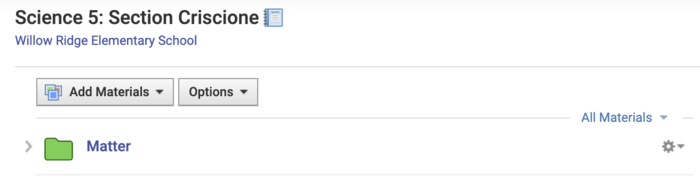
Folders created- to keep each science topic learned this year organized and easy to locate for students!

hannahcriscione 11 months ago

I've tried to make folders in my schoology course to organize materials for teachers.

There was a problem processing this image, the file may be of an invalid format.

Uploaded Filename: Screenshot 2025-01-02 at 1.26.54 PM.png

bonnie-lorentz 12 months ago

I color-coded units to make them easier to find. Within units, the topic we're currently working on is green and upcoming units are grey.

ccavarello Over 1 year ago

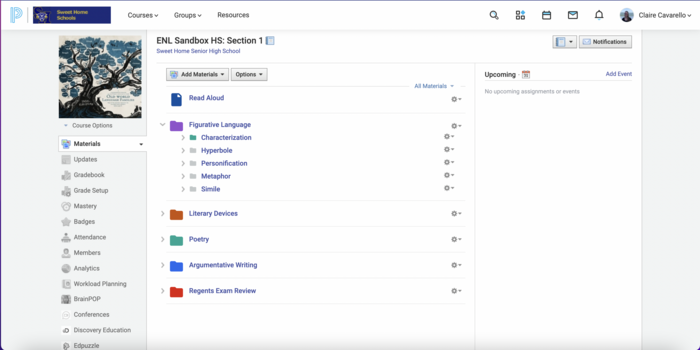
I like a system of color-coded folders for each ENL topic. Inside each, the current topic is a green folder, while the past topics are red.

There was a problem processing this image, the file may be of an invalid format.

Uploaded Filename: Screenshot 2024-08-27 at 2.26.56 AM.png

brad-horrigan Over 1 year ago

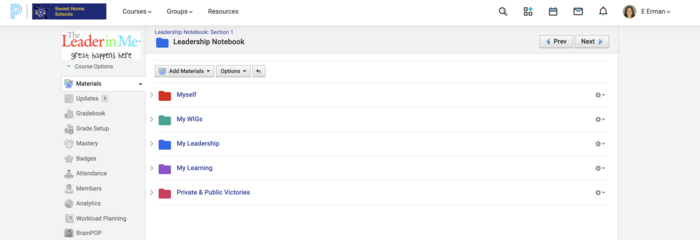
I organized the folder 'Leadership Notebook' in my created Leadership Course by sections that are color coded. This'll serve as a portfolio

elifweiser Over 1 year ago

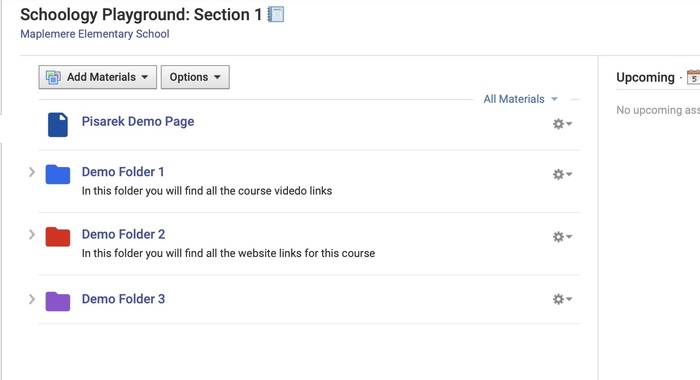
Posted Image

mpisarek Over 1 year ago

Posted Image

mpisarek Over 1 year ago

Event for kids

There was a problem processing this image, the file may be of an invalid format.

Uploaded Filename: Image 7-18-24 at 5.16 PM.jpeg

amy-canetti Over 1 year ago
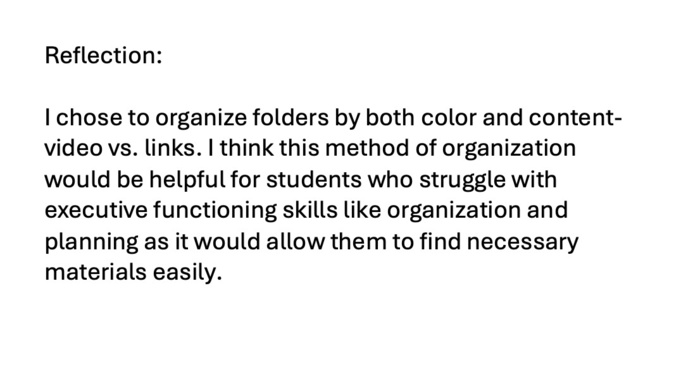
Event for me

There was a problem processing this image, the file may be of an invalid format.

Uploaded Filename: Image 7-18-24 at 5.16 PM.jpeg

amy-canetti Over 1 year ago

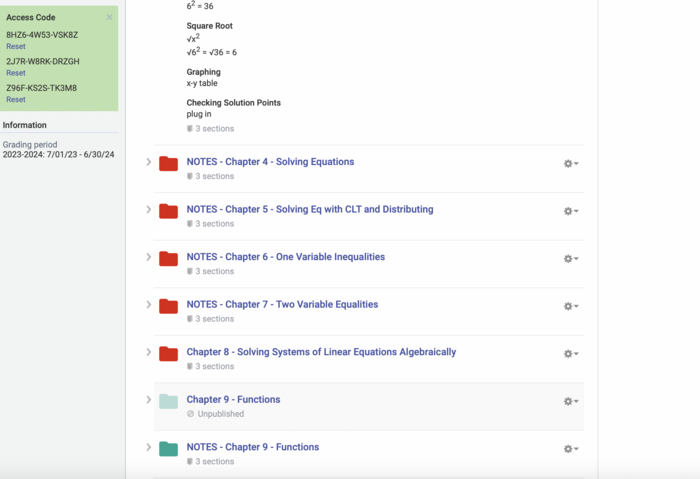
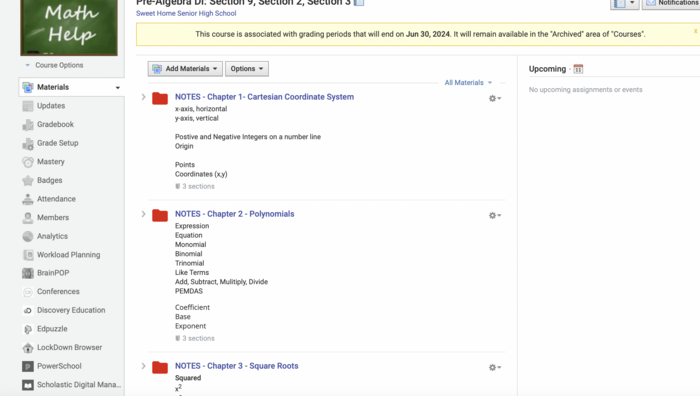
I organize my materials in folders. Red folders are for past units and the green folder is what we are currently working on.

psiffringer Over 1 year ago

Posted Image

psiffringer Over 1 year ago