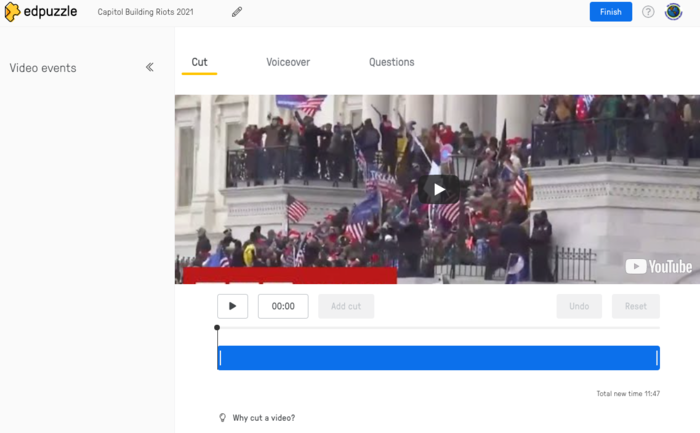
Explore pre-made tasks and learn to make them perfect for your class.
In this Task:
Explore existing EdPuzzles from the content that already exists and find videos that relate to a lesson you teach. Explore each of the Customization Options shown New EdTech Classroom video (also shown in Part 1) to edit pre-existing videos.
#1 How to Teach Remotely with EdPuzzle (13:53)
Skip ahead to:
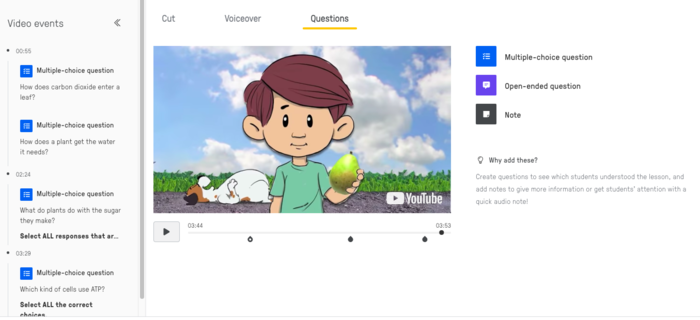
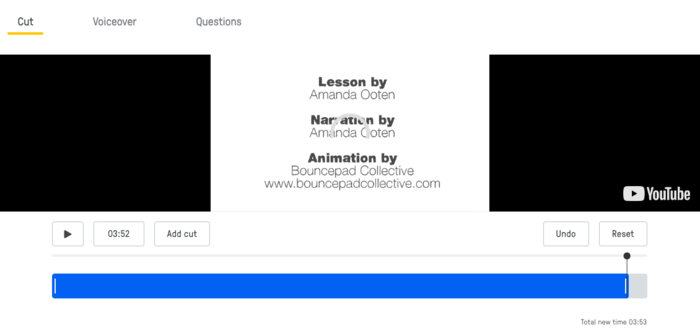
[04:15] 3 Main Customization Options: Cut / Voice Over / Add Questions
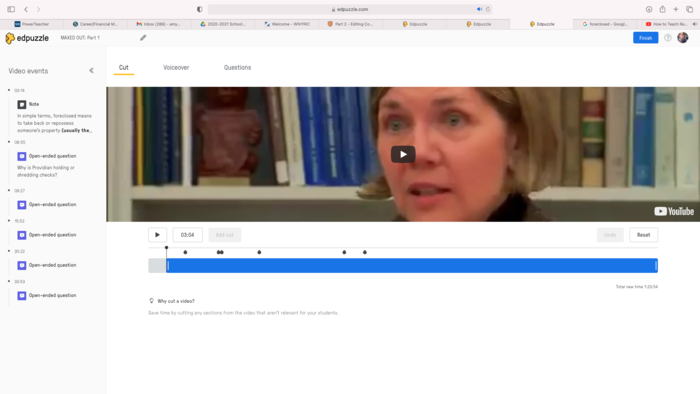
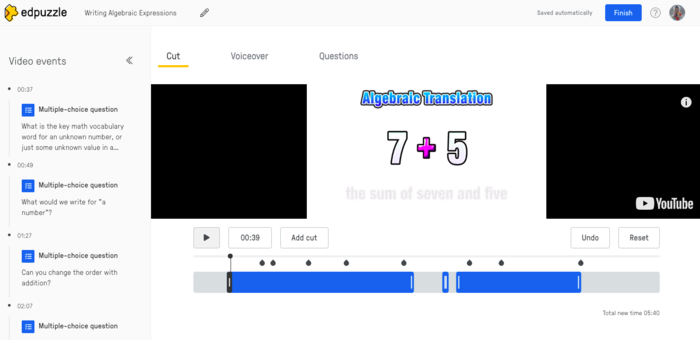
[04:26] Cut
[05:04] Voice Over
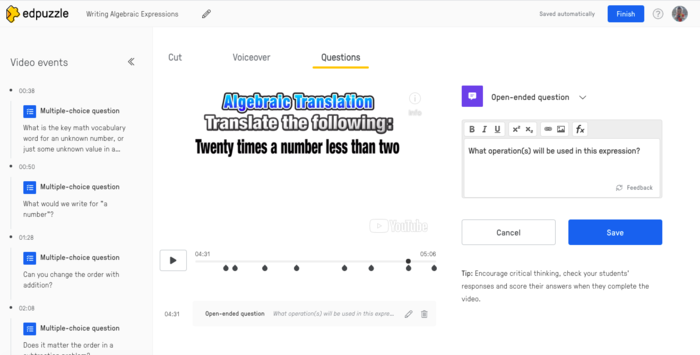
[05:34-07:43] Add Questions
or if you'd like more details, view videos:
#2 EdPuzzle User Interface & Navigation: Step by Step (11:40).
#3 How to Make EdPuzzle Video & Add Questions: Step by Step (14:14)
Resources:
Video 1
How to Teach Remotely with EdPuzzle (13:53)
Video 2
EdPuzzle User Interface & Navigation: Step by Step (11:40)
Video 3
How to Make EdPuzzle Video & Add Questions: Step by Step (14:14)
Evidence of Learning:
[1] Copy an existing EdPuzzle to your Content.
[2] Edit the video, review the items that the contributing teacher provided.
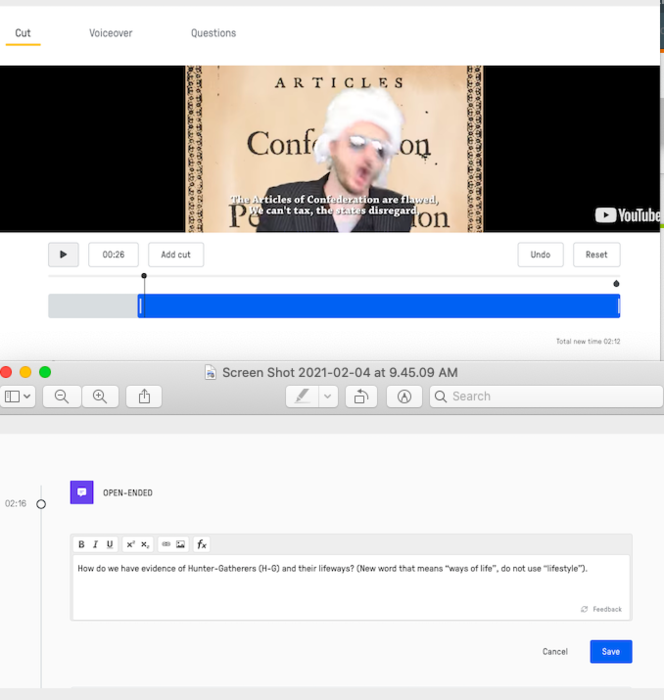
[3] Cut the video. Practice trimming the beginning or end of a video.
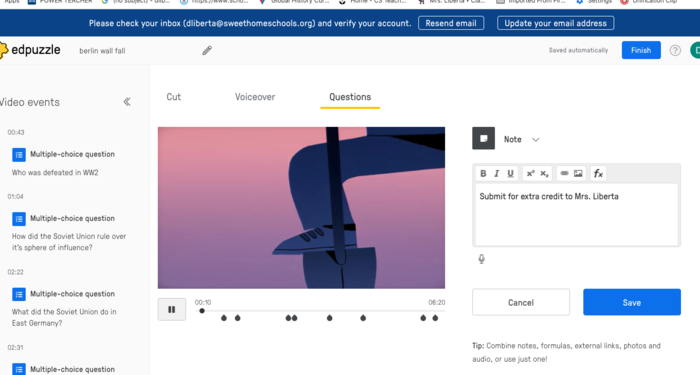
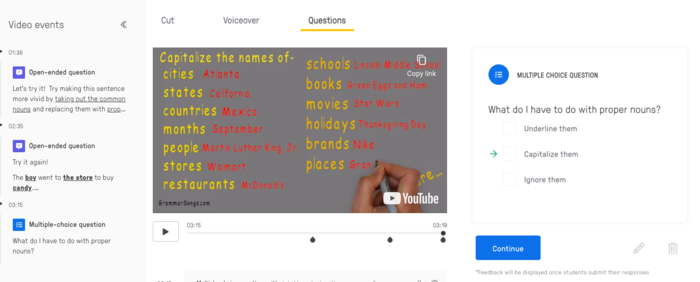
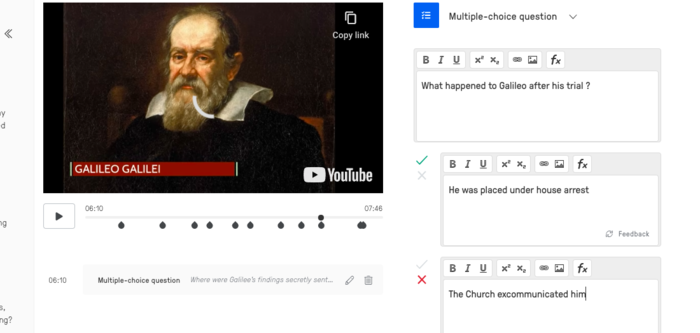
[4] Make changes... add/delete questions, add a voice-over, and add an open-ended question(s).
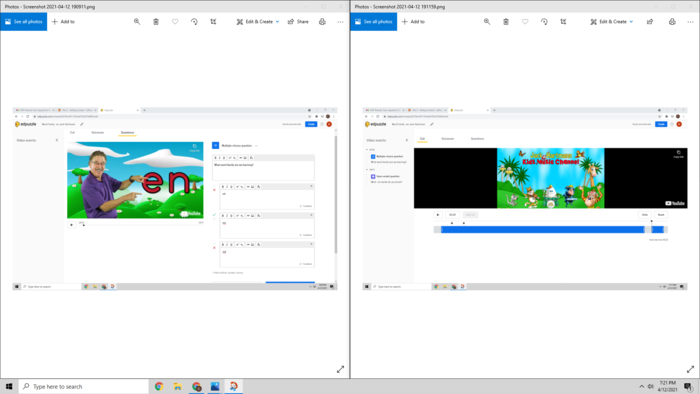
[4] Take a screenshot(s) of your editing screen that shows: Cut video process and editing a question. Submit pic(s) for your badge review.


 EdPuzzle - Level 1
 dliberta
Almost 5 years ago
dliberta
Almost 5 years ago
 meghan-mcgowan
About 5 years ago
meghan-mcgowan
About 5 years ago
 jennyheidinger
About 5 years ago
jennyheidinger
About 5 years ago
 cutzig
About 5 years ago
cutzig
About 5 years ago