Canva 101 for Beginners

Part 3: Text Effects, File Types for Download

Only editable by group admins

  • Last updated January 27, 2024 at 9:23 AM by sweethometc
  • Evidence visible to public
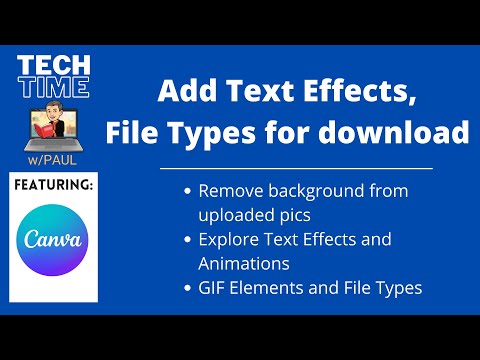
Animate text formats and adding GIF elements to your design.

In This Task…

You will learn how to add various effects to your design and to explore the possibilities beyond JPEGs and PDFs.

Your Task…

  1. Watch the video: “Add Text Effects and GIFs to Your Canva Designs” (09:47)
  2. Practice using techniques such as:
    1. (00:00 - 01:50) Adding Bitmojis and removing backgrounds
    2. (01:50 - 04:05) Text Effects
    3. (04:10 - 06:25) Text Animations
    4. (06:25 - 07:50) Adding GIFs to your design
    5. (07:50 - 09:57) Downloading GIF file type (adding design to Google Slide Presentation)

Resources…

Adding Text Effects and GIFs to Your Canva Designs

Evidence of Learning…

  1. Create a new design that will help support content in your class.
  2. Add some effects to your text (basic shadow, splice, hollow OR any animation of your choice!)
  3. Add any GIF element to your design!
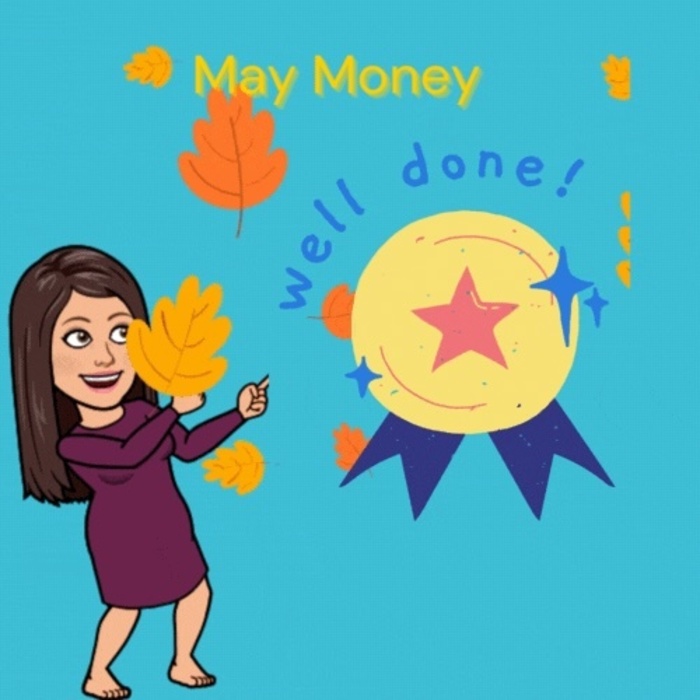
  4. Download your design as GIF file and submit it to showcase the various effects.

All posted evidence

Slide with gif

elaina-blenk Over 1 year ago

I also tried what Paul did at the end of the video and inserted this file into a Google Slide; it works!

freemace01 Over 1 year ago

Morning list with animation

Canva

Morning gif

amanda-cole Over 1 year ago

Evidence Part 3

kielebarbalate Over 1 year ago

Morning message slide

slipinski Over 1 year ago

Posted Image

kathleen-may Over 1 year ago

Students can use this template to track their lead measures towards classroom, personal, or team WIGs.

kelly-gravel Over 1 year ago

Posted Image

psiffringer Over 1 year ago

Posted Image

rcarbrey Over 1 year ago

Day at the beach

preich Over 1 year ago

For students to write the date which is part of their morning work routine.

jenniealessi Over 1 year ago

This was lots of fun!

thalia-shatah Over 1 year ago