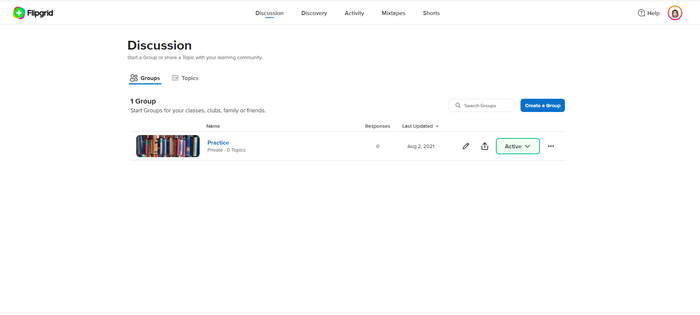
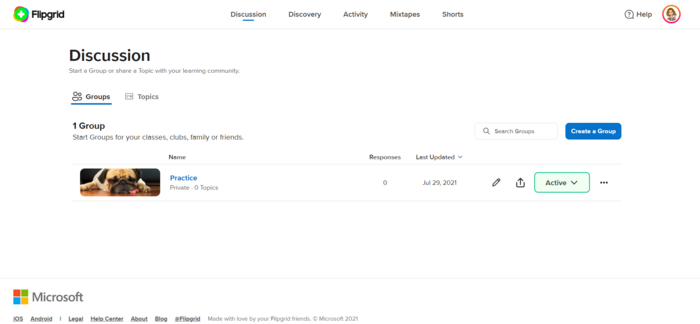
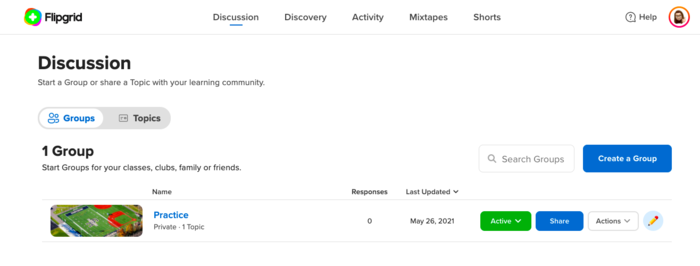
Learn the basics of Flip and create an account and your first group.
TASK- Watch this tutorial video,
 ;
; - Create an account at https://info.flip.com/. Accounts are free!
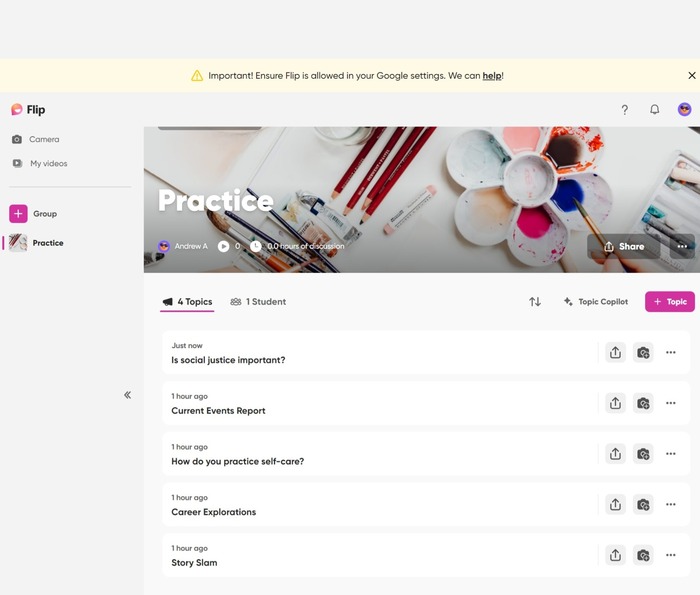
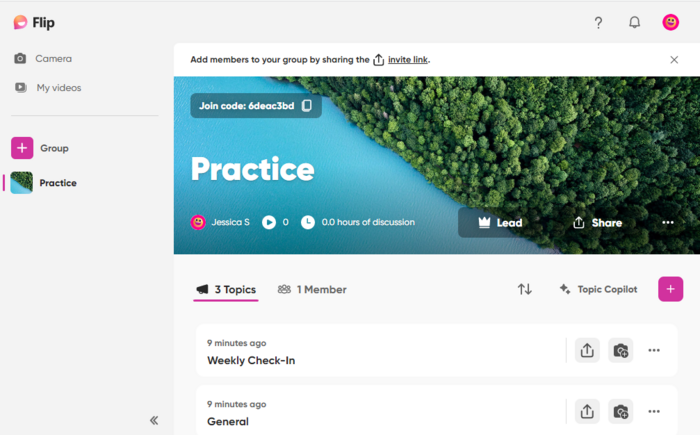
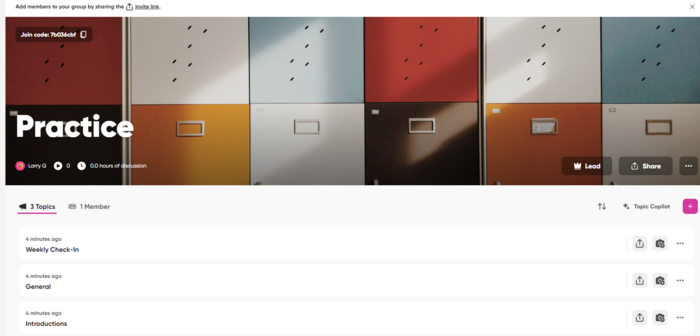
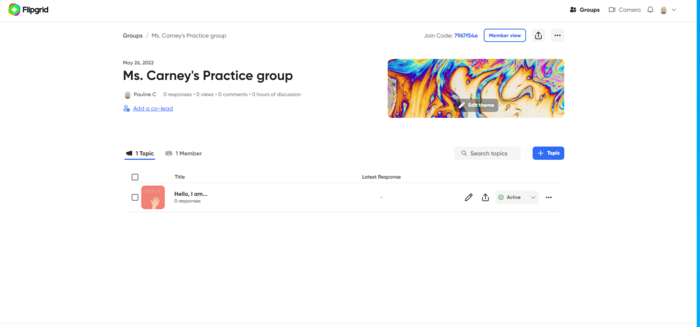
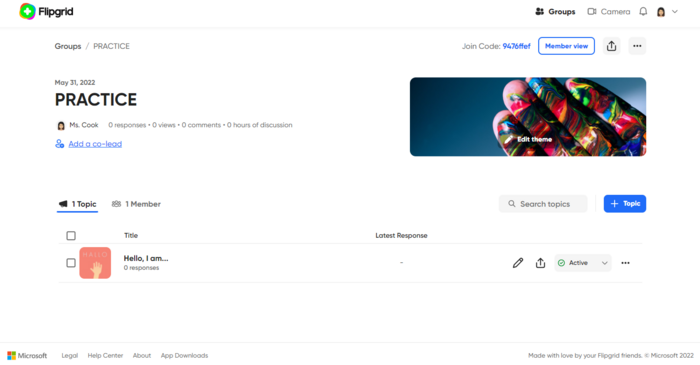
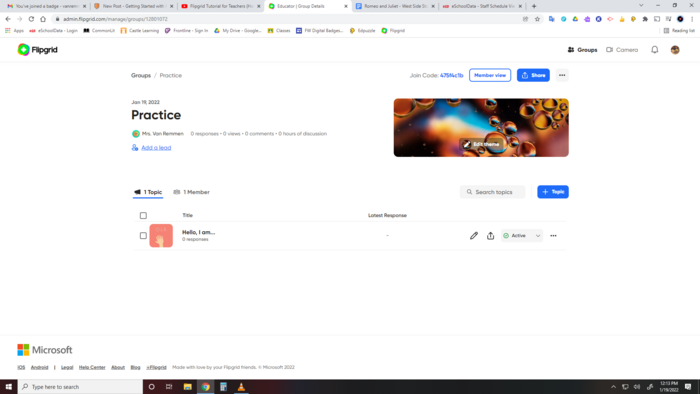
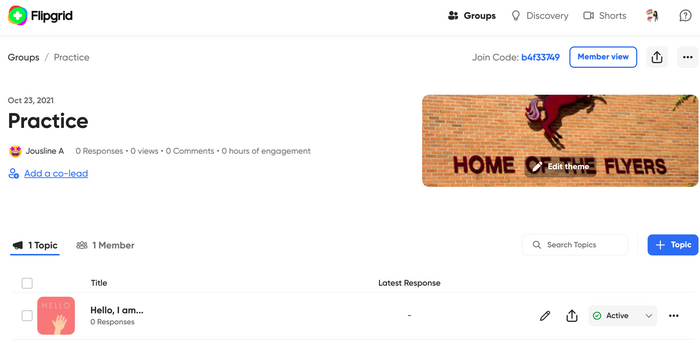
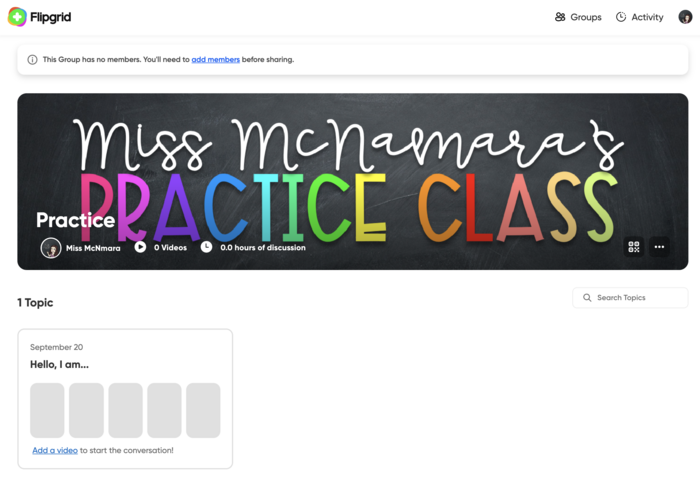
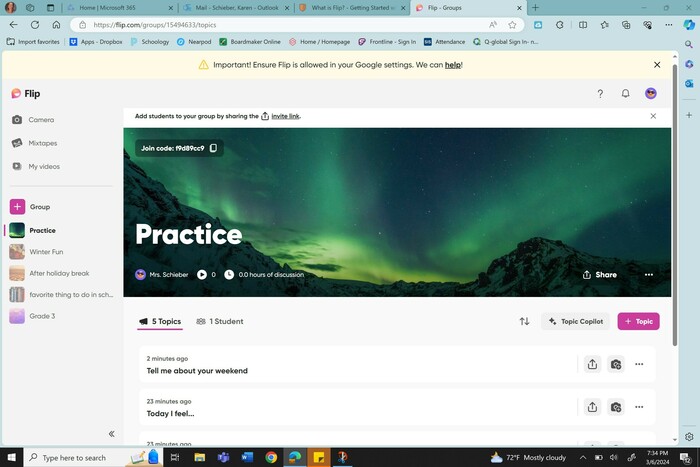
- Create your first group. Remember, GROUPS are like you classes. Call it "Practice". You can delete it later. In the future, groups can be for a specific class, subject, or any other group you wish to use Flip with.
- Set your permissions as to how you want your students to join. You can use student email, username or Google classroom. For student emails, use your school domain such as @onboces.org.
- Personalize your group with a picture or background!
- Click on Profile (upper right corner) and add a picture of yourself and any other relevant information (@social).
- Click on the Discussion Tab and take a screenshot showing your new group and your profile picture.
- Share the screenshot.


 Getting Started with Flip