Getting Started with Flip

What is Flip?

Only editable by group admins

  • Last updated February 15, 2023 at 5:49 AM by cherman12
  • Evidence visible to public
Learn the basics of Flip and create an account and your first group.
TASK
  1. Watch this tutorial video, ;
  2. Create an account at https://info.flip.com/. Accounts are free!
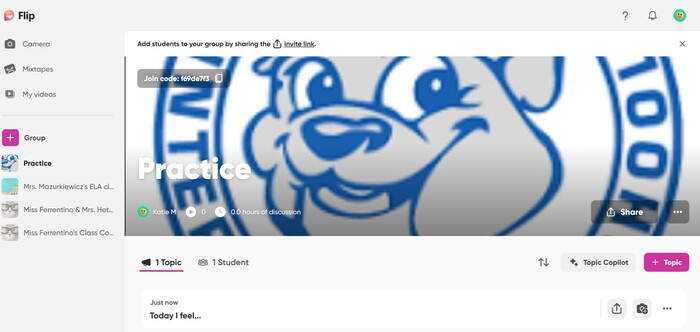
  3. Create your first group. Remember, GROUPS are like you classes. Call it "Practice". You can delete it later. In the future, groups can be for a specific class, subject, or any other group you wish to use Flip with.
  4. Set your permissions as to how you want your students to join. You can use student email, username or Google classroom. For student emails, use your school domain such as @onboces.org.
  5. Personalize your group with a picture or background!
  6. Click on Profile (upper right corner) and add a picture of yourself and any other relevant information (@social).
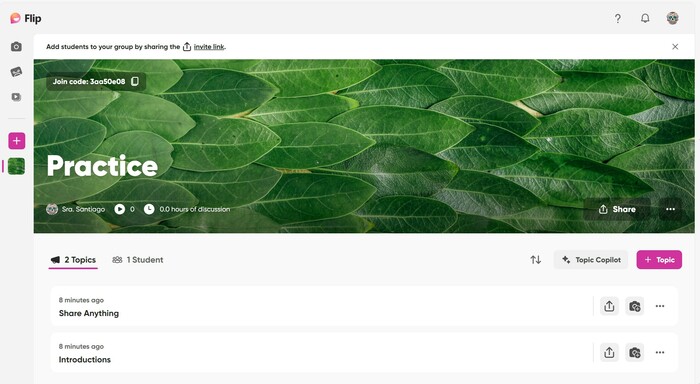
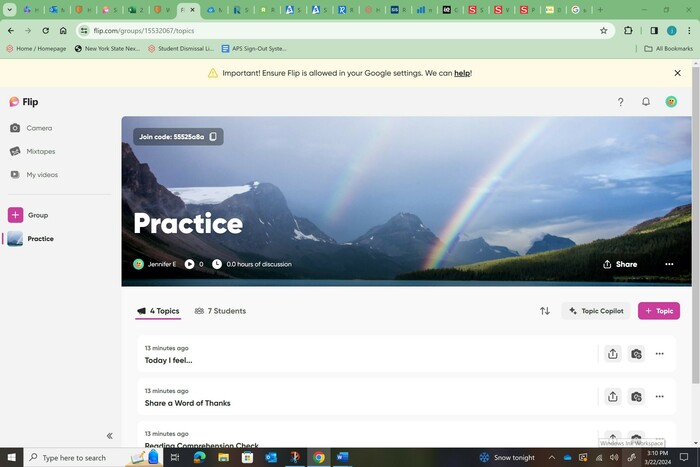
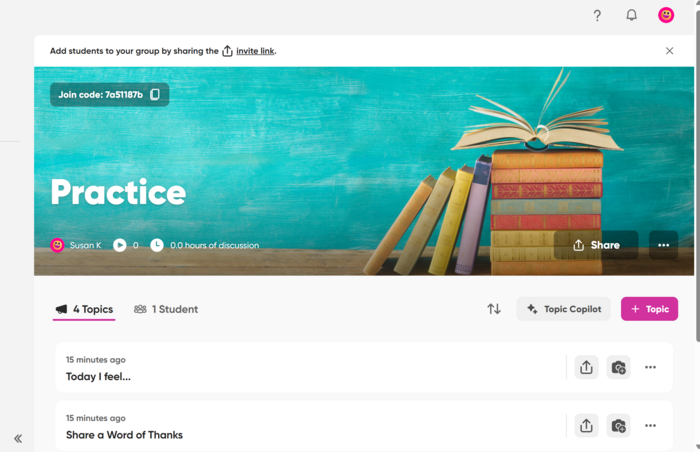
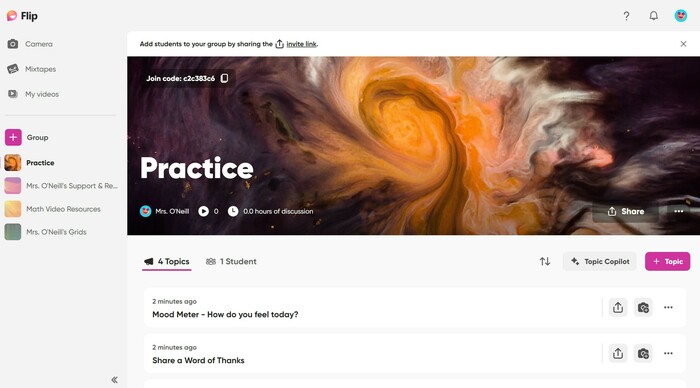
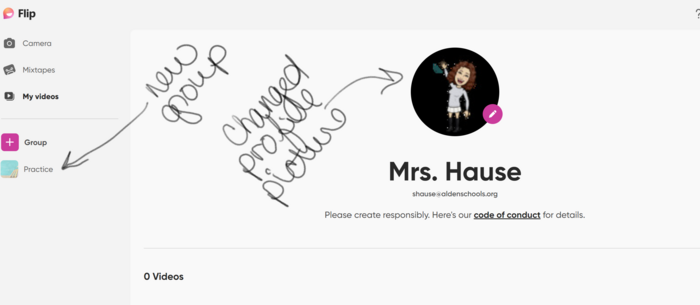
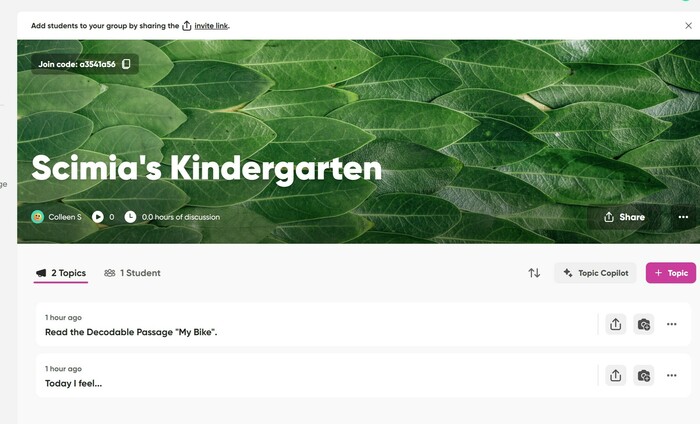
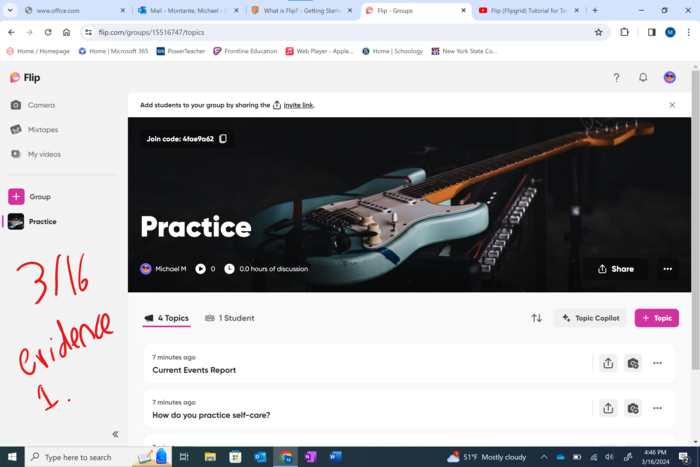
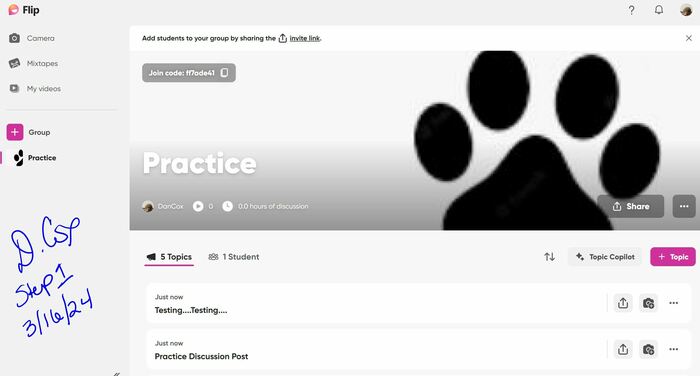
  7. Click on the Discussion Tab and take a screenshot showing your new group and your profile picture. 
  8. Share the screenshot. 

All posted evidence

This is my practice class and I changed the picture to a Sugar Skull.

ksantiago Over 1 year ago

Posted Image

staceyhause Over 1 year ago

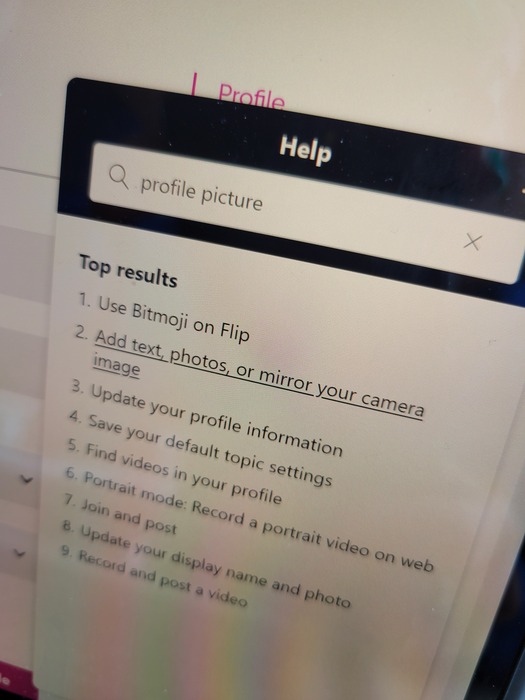
The only option I can see for putting a profile picture here is to use my Bitmoji. I do not use my Bitmoji account on my school computer.

etzel Over 1 year ago

Here's a picture of my screen with me trying to change the smiley face to a profile picture.

etzel Over 1 year ago

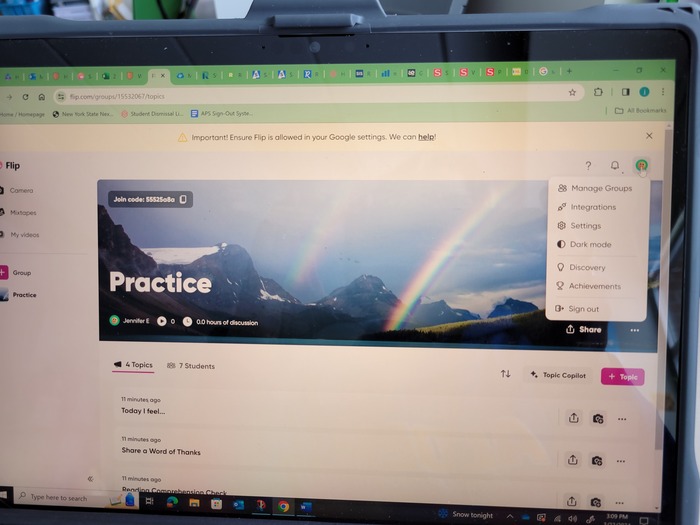
Here's my Flip. I could not find a way to add a profile photo. I am using a MS Surface. We are not a Google Classroom school.

etzel Over 1 year ago

Spent hours trying to add picture!

colleen124 Over 1 year ago

Could not change profile picture.

mmontante01 Almost 2 years ago

Posted Image

mrdccox Almost 2 years ago

I could not find how to change the profile pic. Here is my practice page.

skopack Almost 2 years ago

I was unable to find the location to change my profile picture so here is a screenshot of my practice group.

aoneill7 Almost 2 years ago

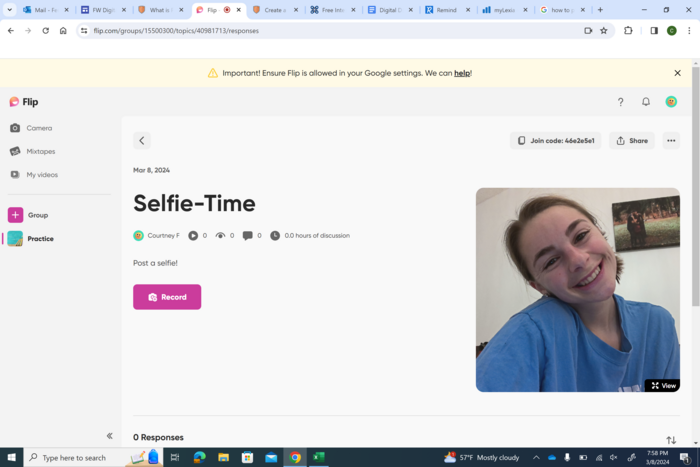
There was not a way to make a "profile picture." I posted a selfie to my classroom board!

cferrentino Almost 2 years ago

Posted Image

kmazurkiewicz18 Almost 2 years ago