Complete the first 8 Adobe InDesign tutorials. Save at least one completed project from a tutorial to share with the sage. Create a business card project.
- Complete the first 8 tutorials that are within the InDesign app under the 'Learn' tab in this order
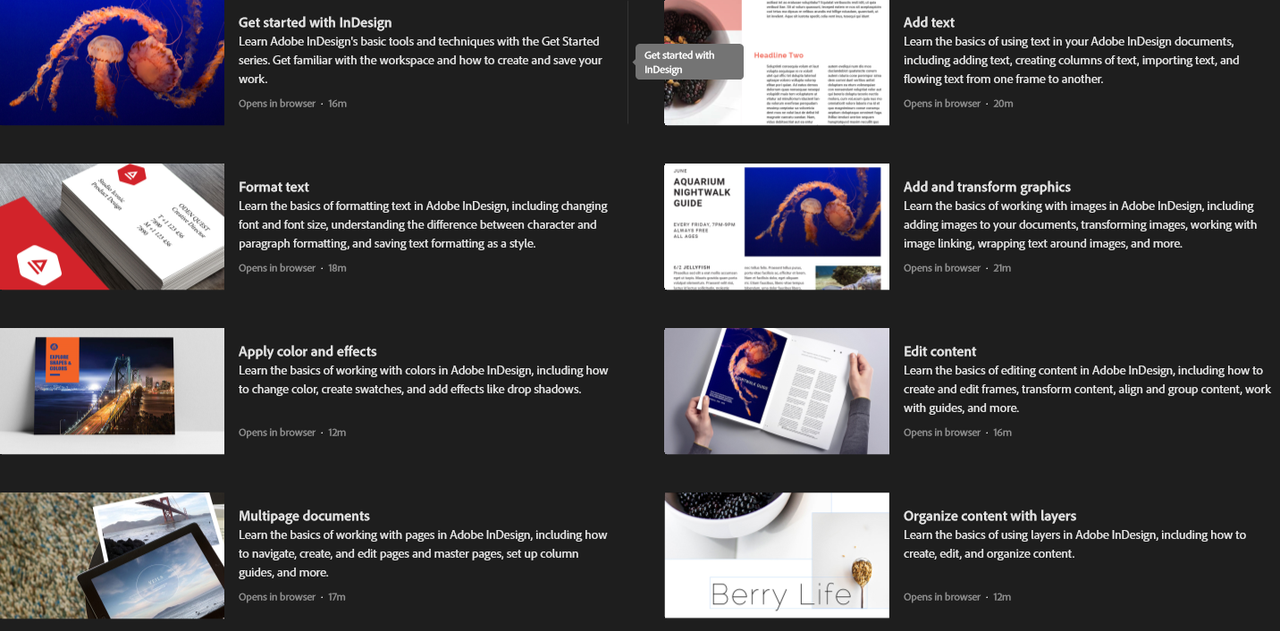
- "Get Started with InDesign"
- "Add text"
- "Format text"
- "Add and transform graphics"
- "Apply color and effects"
- "Edit content"
- "Multipage documents"
- "Organize content with layers"
- Save a project file from one of the tutorials and upload to a Box folder.
- Create a business card (3.5x2 in) which needs to include a graphic/logo and some text. Upload your business card to the same Box folder with your tutorial project file.
- Paste the link to your saved tutorial file and business card. (Please remember to change the privacy settings on the Box link so the evaluator can access it.)
Please watch all the videos in each tutorial and download the practice files so you can follow along! If you can’t access the tutorials on InDesign under the 'Learn' tab you can search for and access them here https://creativecloud.adobe.com/learn/app/indesign?skillLevel=beginner&sortBy=0


 Adobe InDesign - 1/4
 kimbyj
About 6 years ago
kimbyj
About 6 years ago
 brooketti
Over 6 years ago
brooketti
Over 6 years ago
 derek5h
Over 6 years ago
derek5h
Over 6 years ago
 mikelar
Over 6 years ago
mikelar
Over 6 years ago
 alanah-hafen
Almost 7 years ago
alanah-hafen
Almost 7 years ago
 rkitchen2
About 7 years ago
rkitchen2
About 7 years ago
 cmoose
About 7 years ago
cmoose
About 7 years ago
 bautumn
About 7 years ago
bautumn
About 7 years ago
 jalen-morgan
About 7 years ago
jalen-morgan
About 7 years ago
 mckayfritz
About 7 years ago
mckayfritz
About 7 years ago

 cat471
About 7 years ago
cat471
About 7 years ago
 smagleby156
Over 7 years ago
smagleby156
Over 7 years ago
