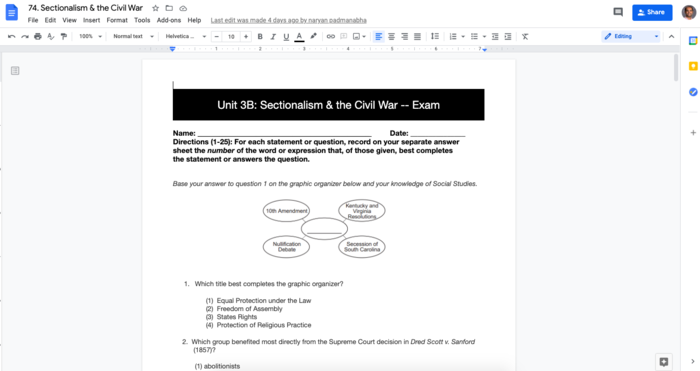
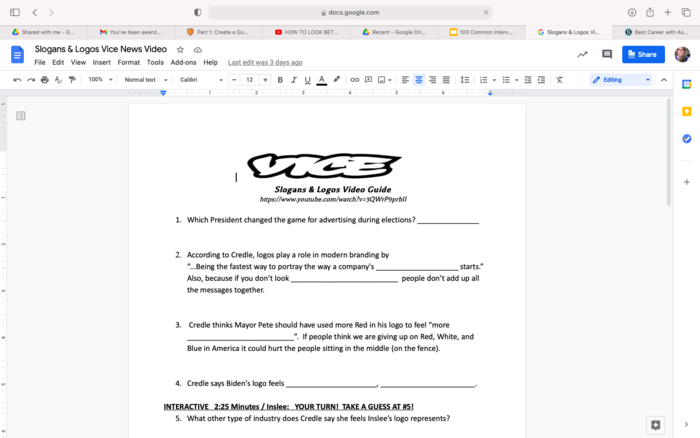
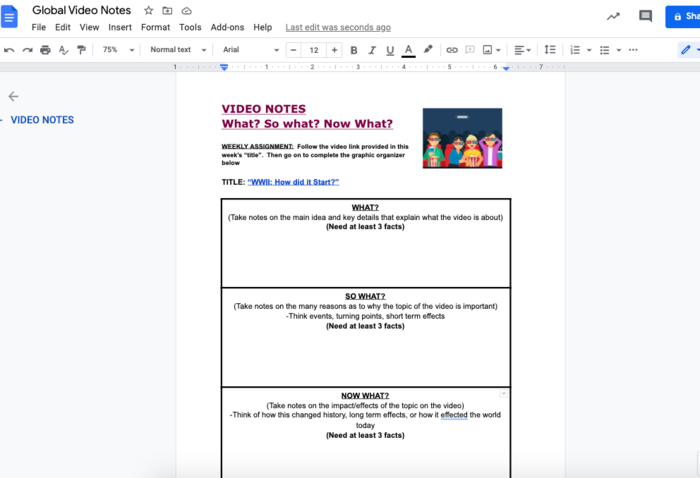
Google Drive Assignment allows you to share a pre-made google template (docs, slides, sheets) and each student is given an individual editable copy that you also have access to.
Part 1:
Watch the video below to learn how to create your google template (as well as suggestions for what yu can add to make your content more dynamic) for use with your students (1:20 - 2:55 of video)
Part 2:
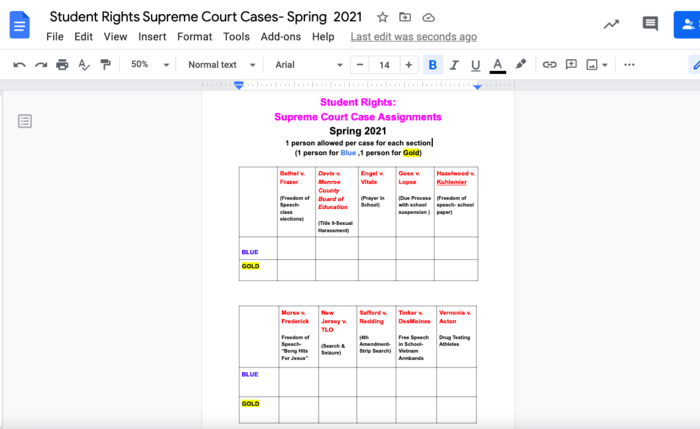
Create a template in Google that you would like to share to your students
Part 3:
Submit a screenshot of the document that you are planning to share with your students. (
Pro tip: Adding
images and using
color in your fonts can be helpful when adding directions to your google files)


 Schoology Level 4.1 Google Files