Schoology 3.1 Creating Standard Test/Quiz Question

Getting Stared with Assessments

Only editable by group admins

  • Last updated February 12, 2021 at 8:35 AM by sweethome
  • Evidence visible to public
Learn how to create an assessment and prepare to start making questions.

Step 1:

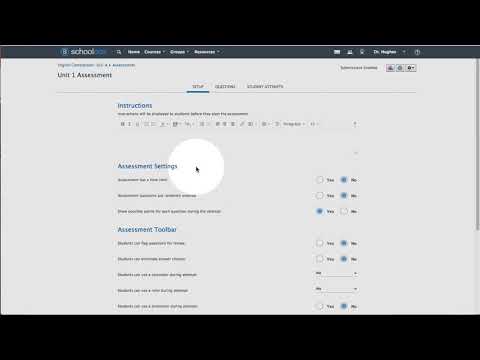
Watch the video below about how to create an assessment in Schoology. Begin watching at the :25 second mark and watch the remainder of the video to see all of the settings you have available to you.


Step 2:


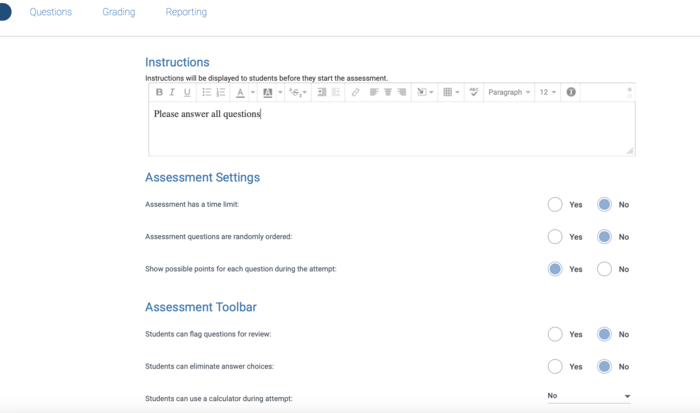
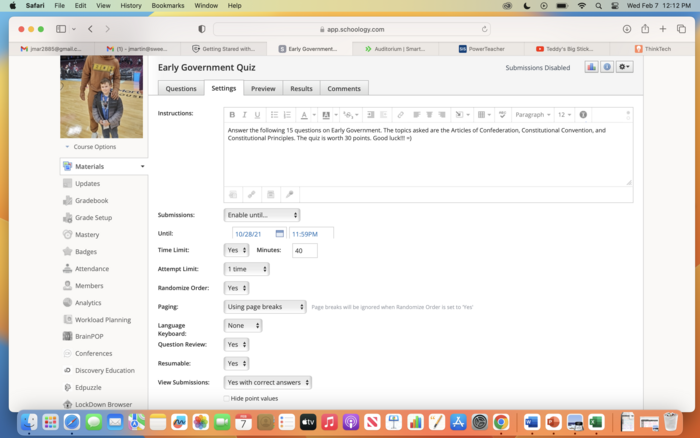
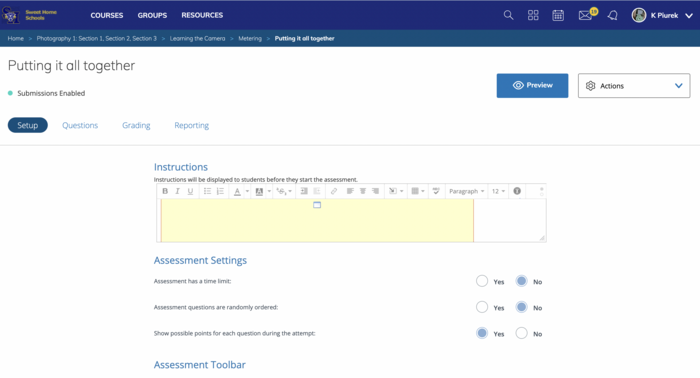
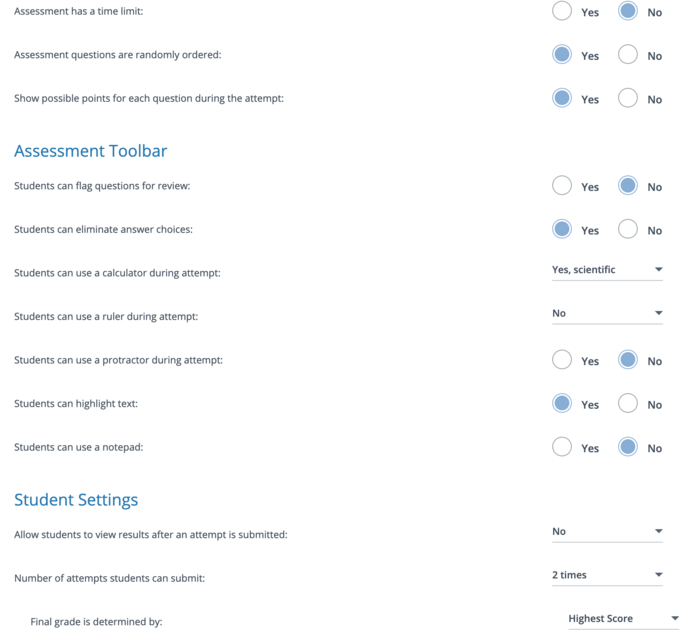
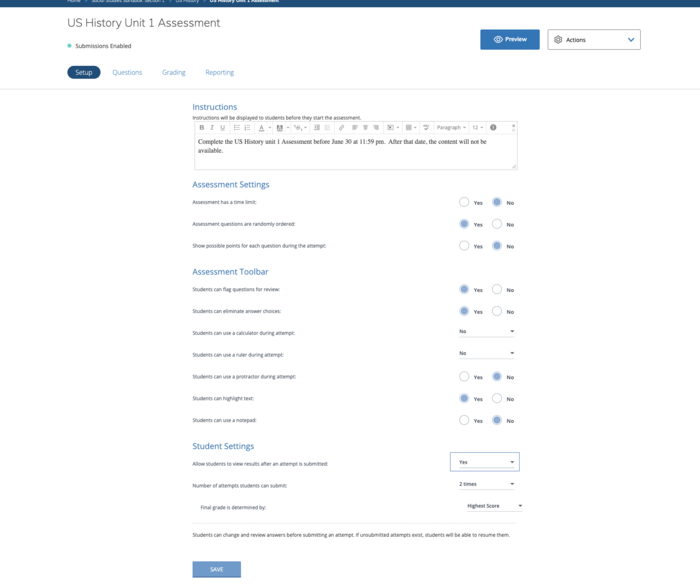
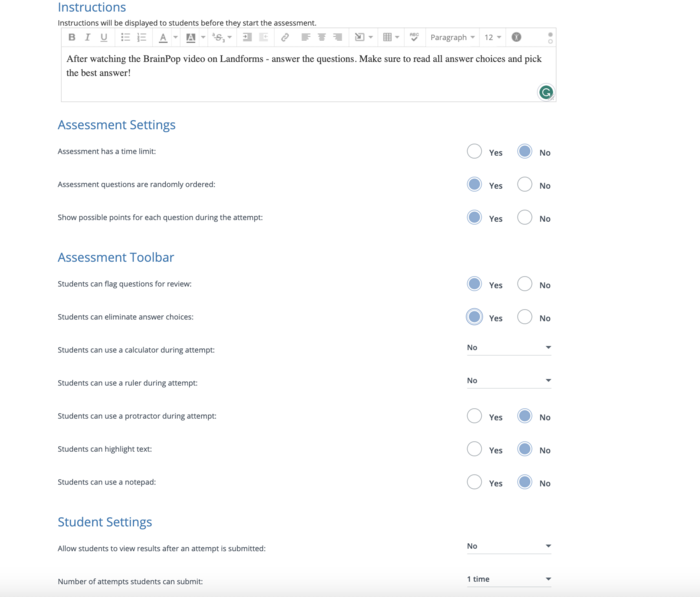
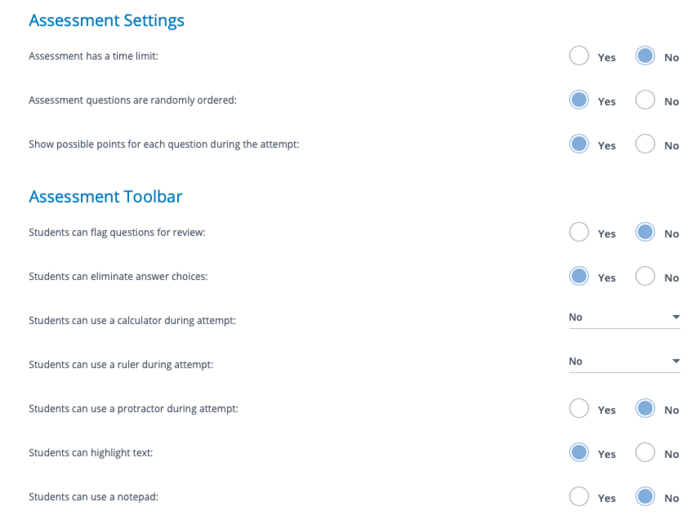
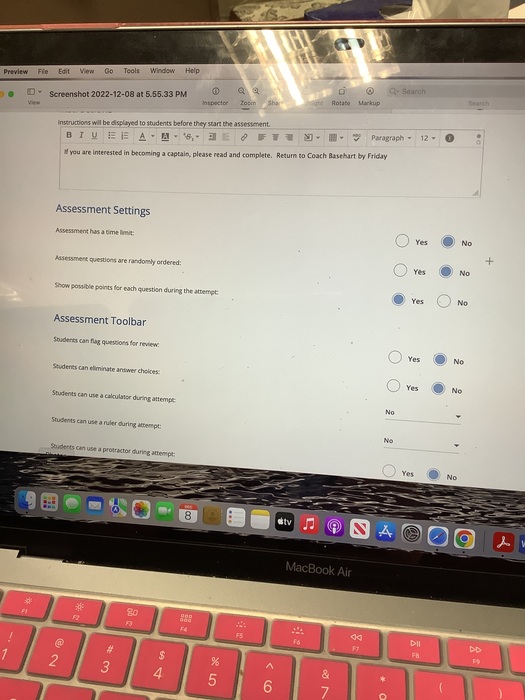
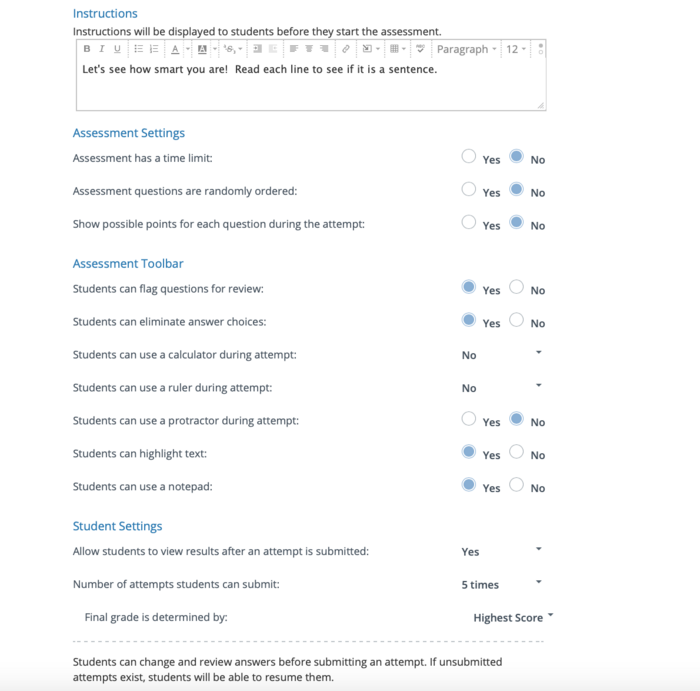
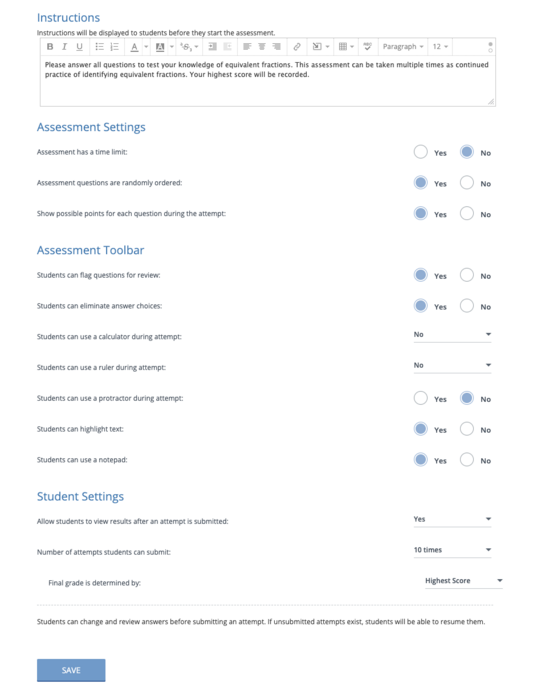
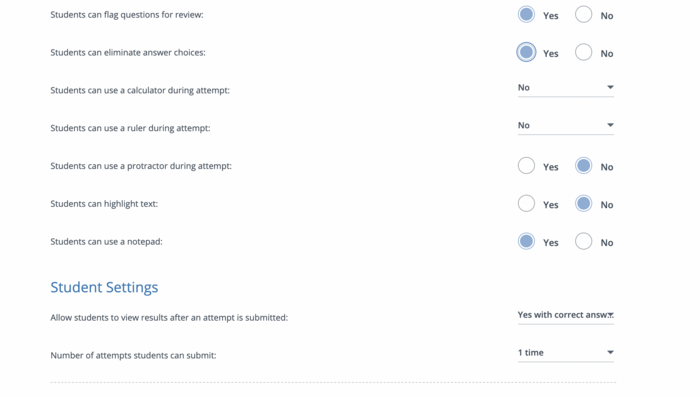
Take a screenshot of your settings page after you have altered anything that you want to for your assessment.  These can always be edited later on if you change your mind. PRO TIP...You can add a variety of content to your instructions such as videos to give students directions.

All posted evidence

Posted Image

There was a problem processing this image, the file may be of an invalid format.

Uploaded Filename: Screenshot 2025-10-19 at 7.08.47 PM.png
susanl About 2 months ago

Posted Image

psiffringer Over 1 year ago

Test/Quiz Settings

martjd28 Almost 2 years ago

Posted Image

kpiurek Almost 2 years ago

2 Attempts :)

dtracz About 2 years ago

Assessment Settings Page

chrissy Over 2 years ago

Posted Image

jessica-sears Over 2 years ago

Part 1

mbruce Over 2 years ago

Posted Image

epaemkb About 3 years ago

Posted Image

sharrie-scully Over 3 years ago

Posted Image

kcampanaro Over 3 years ago

I also added directions for my students to read the questions carefully.

ashley-bell Over 3 years ago