Schoology 1.1 Getting Started

Part 2 - Creating a Page

Only editable by group admins

  • Last updated February 1, 2023 at 5:58 AM by sweethometc
  • Evidence visible to public
Creating a "Page" to share with students

In This Task:

Learn what you can add to a Schoology page to share with students as a 1 way street.  Think of this as creating your own customizable web page right in Schoology.

Your Task:

  1. Watch the video resource: Creating Pages in Schoology
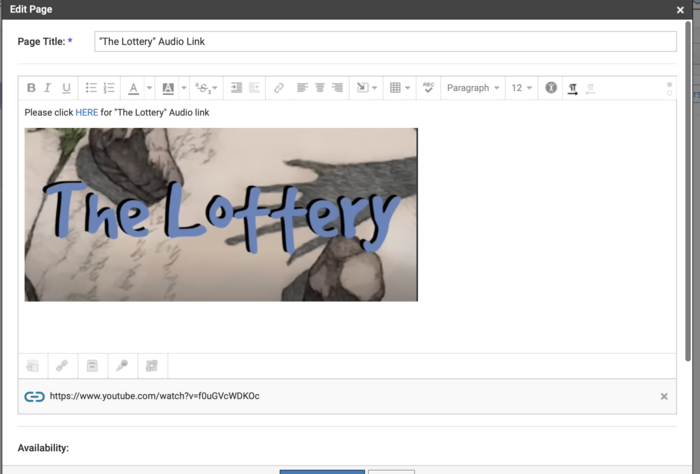
  2. Create a page in Schoology that sends the students out to another resource to learn from or to another application to complete work such as Thinktech, Seesaw, a Youtube video, or even a combination of these.

Resources:

Video: Creating Pages in Schoology (8:17)
https://drive.google.com/file/d/17fyrYIE80fMWDTFU4BrGoVKcA5XKr_9O/view


Evidence of Learning:

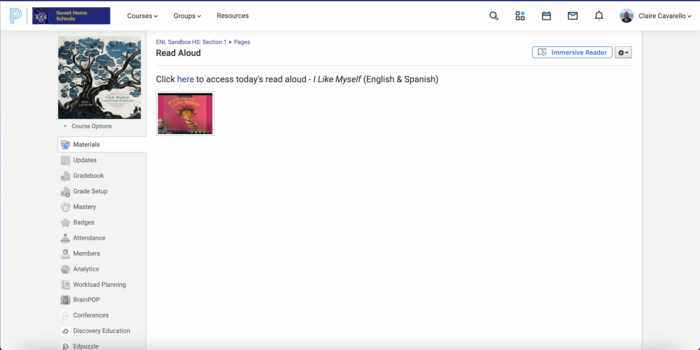
  1. Submit a pic of the page you created.
  2. REFLECT: Explain the uses/benefits a page can provide to your Schoology course?

All posted evidence

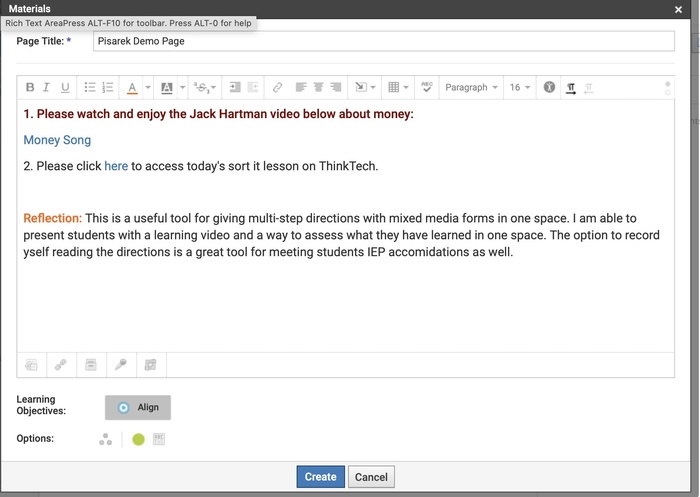
I use Think Tech almost everyday at the beginning of class. This page will be used routinely by students. They will now have access to the assignment if they are absent,

There was a problem processing this image, the file may be of an invalid format.

Uploaded Filename: Screenshot 2025-08-09 at 1.06.08 PM.png

brianturner 4 months ago

Page created for students. This allows me to copy content from the WR Science course directly into mine. Keeping things organized!

hannahcriscione 11 months ago

I love using Pages in my schoology course to list multiple resources for teachers to use.

There was a problem processing this image, the file may be of an invalid format.

Uploaded Filename: Screenshot 2025-01-02 at 1.25.38 PM.png

bonnie-lorentz 12 months ago

Pages are beneficial because they allow students to easily access all course materials. For ELLs, it's nice to have everything in one place.

ccavarello Over 1 year ago

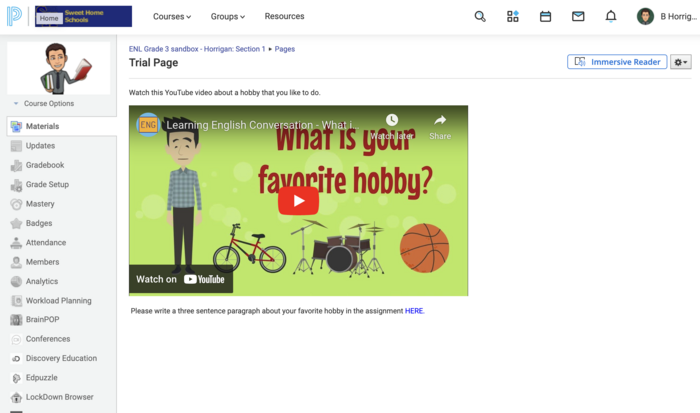
Creating a page allows a simple, organized way to contextualize the content (e.g. embedded video) for the student before the do an activity.

brad-horrigan Over 1 year ago

Posted Image

There was a problem processing this image, the file may be of an invalid format.

Uploaded Filename: Screenshot 2024-08-27 at 1.21.15 AM.png

brad-horrigan Over 1 year ago
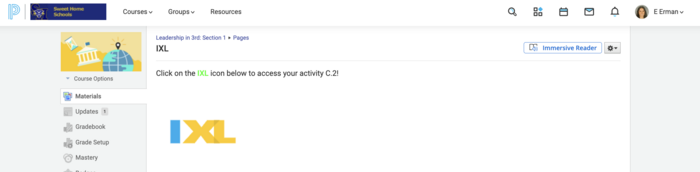
The inline link was a new feature that I hadn't seen before! It's super helpful to push out other links on Schoology. It's a one stop shop

elifweiser Over 1 year ago

Posted Image

mpisarek Over 1 year ago

Added grade 4 and Glendale 1 as a sandbox

There was a problem processing this image, the file may be of an invalid format.

Uploaded Filename: Image 7-18-24 at 5.16 PM.jpeg

amy-canetti Over 1 year ago

Posted Image

psiffringer Over 1 year ago

I love the Inline link! I never knew how to do that until today!

There was a problem processing this image, the file may be of an invalid format.

Uploaded Filename: Screenshot 2024-07-11 at 10.44.53 AM.png

psiffringer Over 1 year ago

The page would allow me to outline directions and link direct things that students would use to complete assignments.

There was a problem processing this image, the file may be of an invalid format.

Uploaded Filename: Screenshot 2024-04-10 at 8.13.35 AM.png

lindsay-gimlin Over 1 year ago