Familiarize Yourself with what Schoology can do
In this Task...
Learn what Schoology can do from personalizing your notifications to creating updates to share information with your class.
Your Task...
- Watch the video resources (26 total minutes of how-to videos) provided to complete each task outlined in evidence of learning.
- Create your own example of the following:
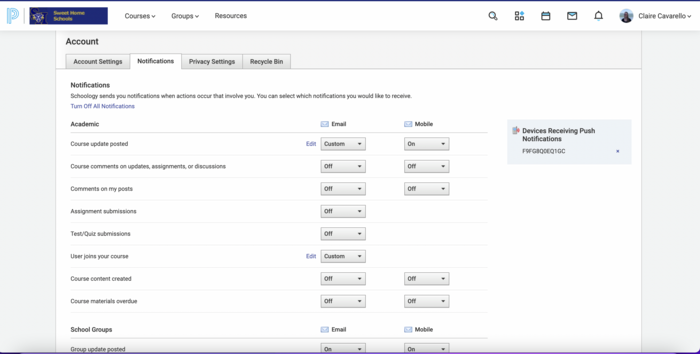
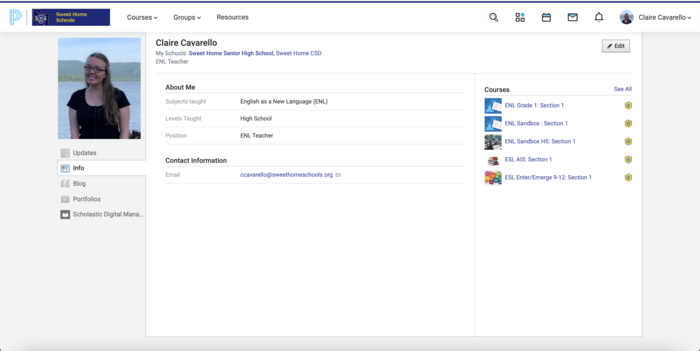
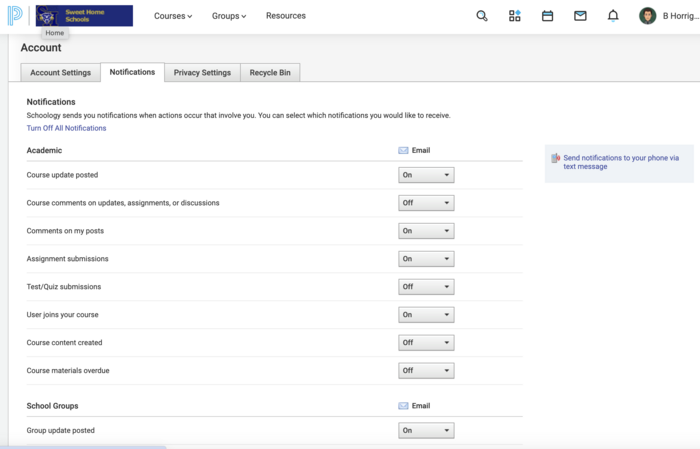
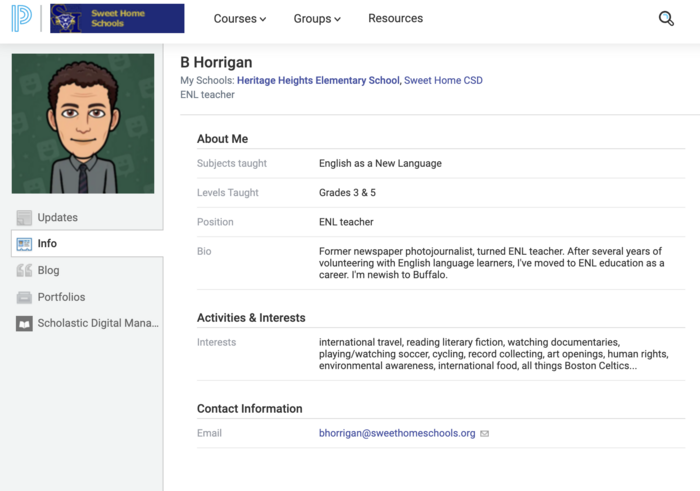
- Change your Profile Pic and alter your notification settings.
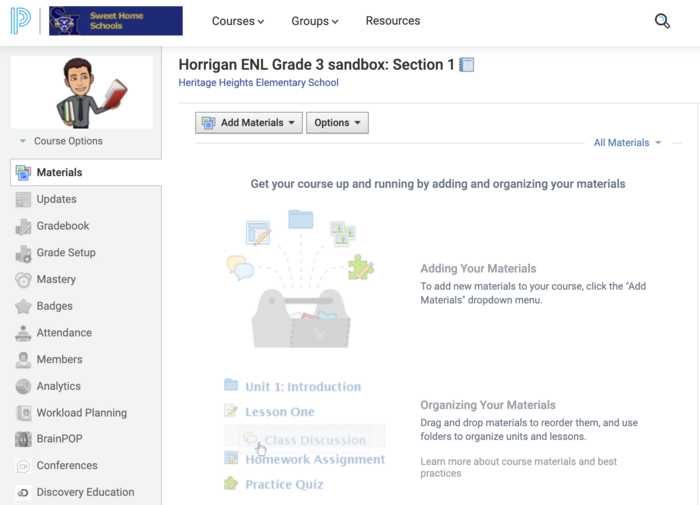
- Create a new course (maybe one to act as a 'playground/sandbox' or grade level team)
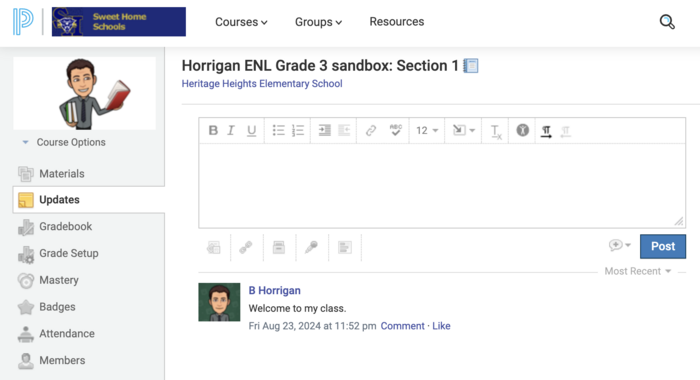
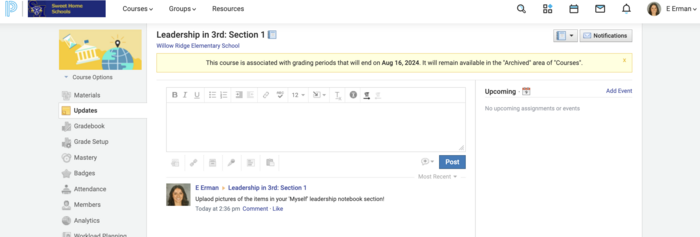
- Post an update
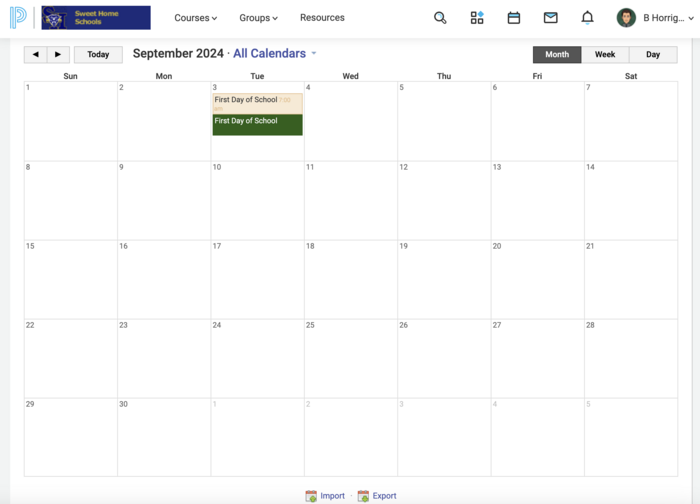
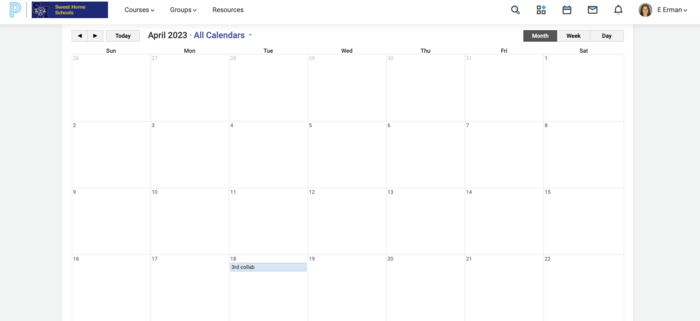
- Post a calendar event to both YOU and YOUR CLASS
Video Resources...
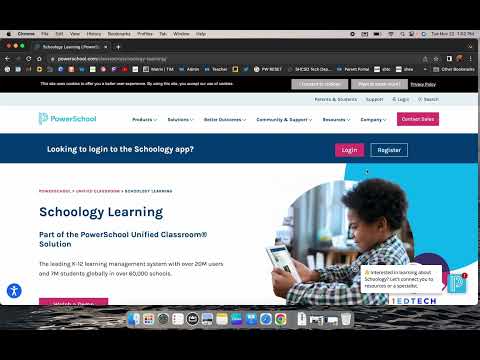
Video 1: Logging into Schoology - 2:26
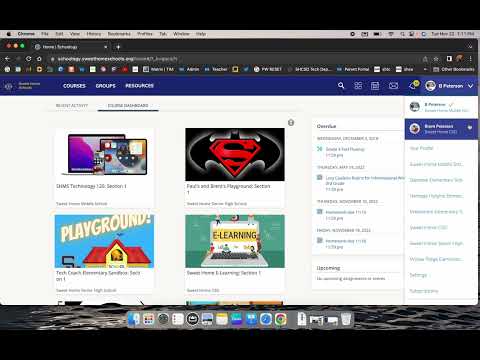
Video 2: Schoology User and Profile Settings - 5:01
Video 3: Creating a Course and Managing Membership - 6:16
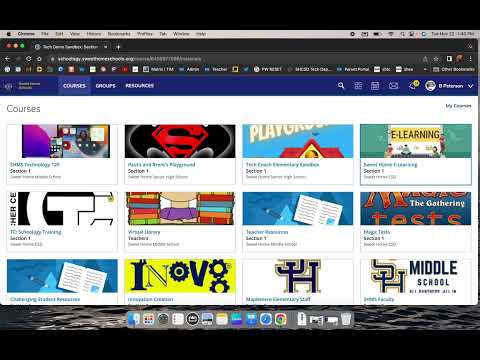
Video 4: Using Updates in Schoology - 6:07
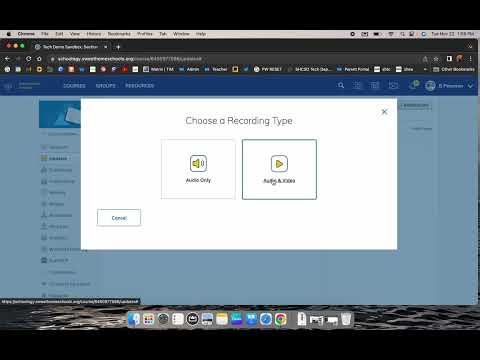
Video 5: Using the Schoology Calendar to Create Events - 6:27
Evidence of Learning:
SUBMIT: Upload a pic of each of the following:
- Profile page
- Notifications screen
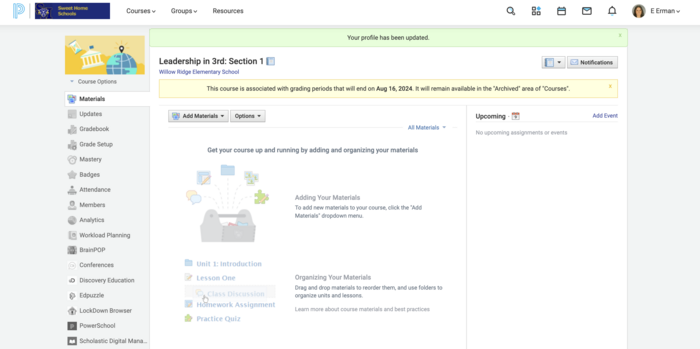
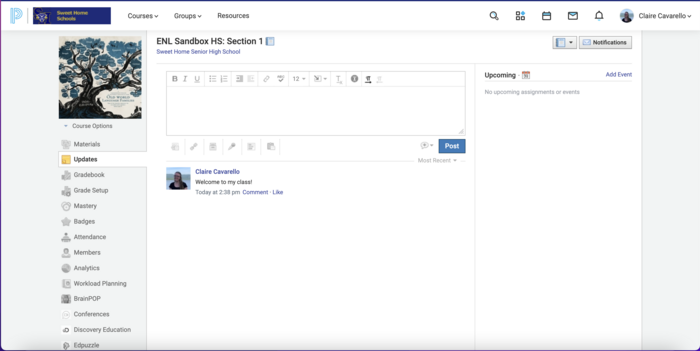
- The landing page for your created course
- A course update
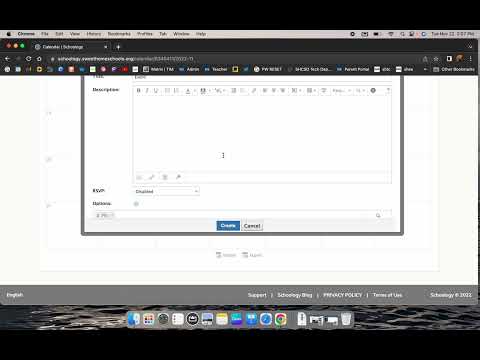
- A Calendar Event


 Schoology 1.1 Getting Started