I found that when students have multiple assessments within their assessment window, students are able to start other performance matter assessments they are assigned to even if the assessments are hidden on Schoology. Through trial and error we determined over exam week that either not assigning the assessment to students until the day of the test or restricting the assessment window after assigning the test stops this problem from occurring.
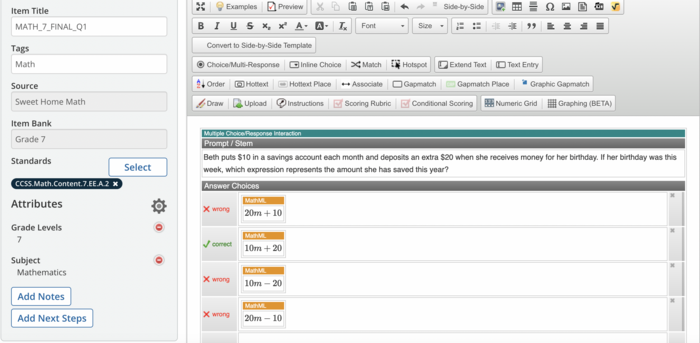
Grading the assessment was easy. We used the assessment as a digital bubble sheet because of some of the limiting features in the PM sketch box compared to students working on paper. There was also not a way to make self-grading multiple choice questions where students would be permitted to draw on the screen freely. Once we had the assessment hand scored, we graded each test by student to input the results. Results were easy to see across all students. I have not yet figured if there is a way to sort the students by class, not just my entire course load of students listed alphabetically.
Grading the assessment was easy. We used the assessment as a digital bubble sheet because of some of the limiting features in the PM sketch box compared to students working on paper. There was also not a way to make self-grading multiple choice questions where students would be permitted to draw on the screen freely. Once we had the assessment hand scored, we graded each test by student to input the results. Results were easy to see across all students. I have not yet figured if there is a way to sort the students by class, not just my entire course load of students listed alphabetically.