Notability Level 2

Part 3 - Audio Recordings

Only editable by group admins

  • Last updated March 17, 2025 at 9:21 AM by sweethometc
  • Evidence visible to public
Share your .NOTE files via Schoology so your students have the original annotations, etc.

In this Task:

You will create a Notability .note file with an attached audio recording for your students and share with them using your Schoology LMS.

Your Task:

  1. Watch the Video Resources below: 
    1. Using Audio Recordings in Notability (5:51): https://youtu.be/x3vfAWwIB0s
    2. How to Share .note files with Students using Schoology (5:05): https://youtu.be/PhGIumIFF_o
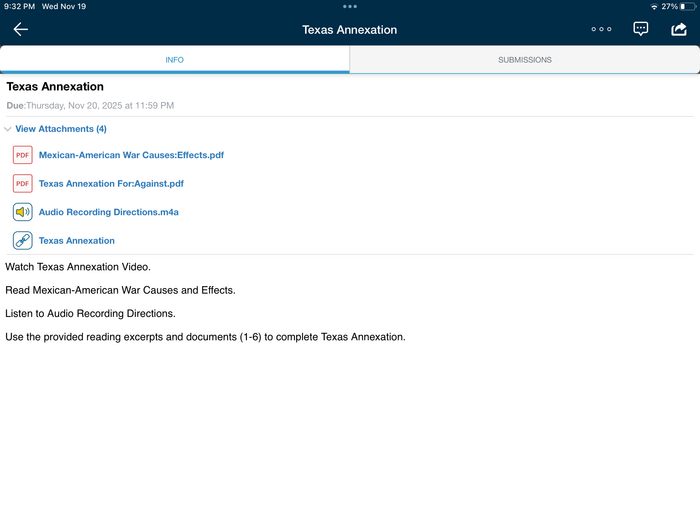
  2. Create a .note file that has audio recording added to it.  This can be in the form of directions, read aloud content, or any variety of audio recording you believe will assist your students.

Evidence of Learning:

  1. Submit a few screenshots showing the following:
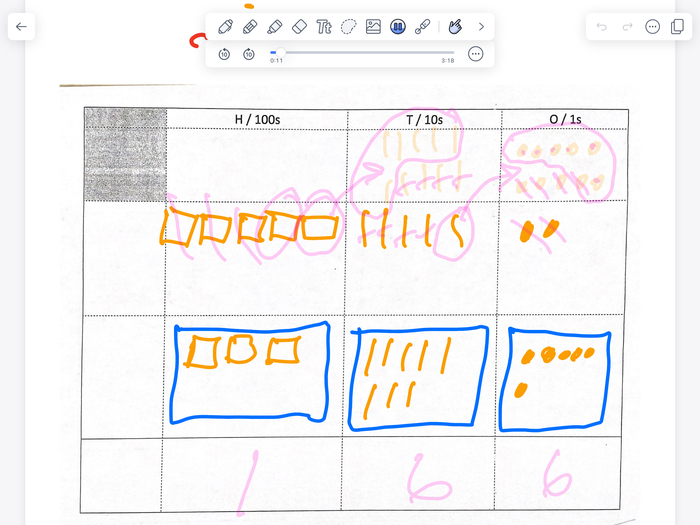
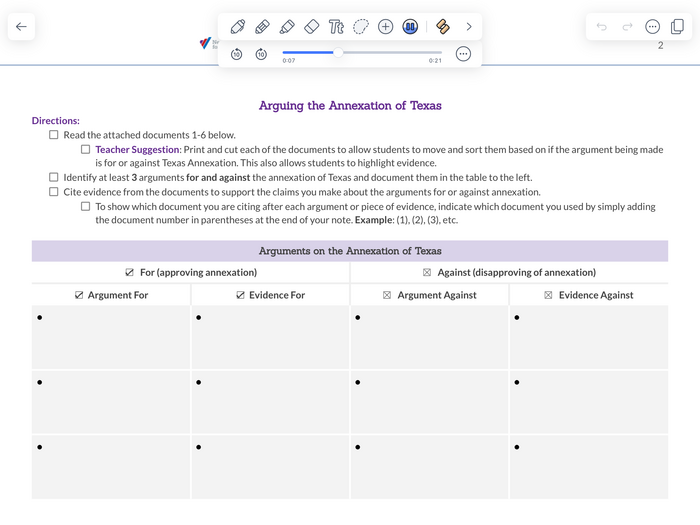
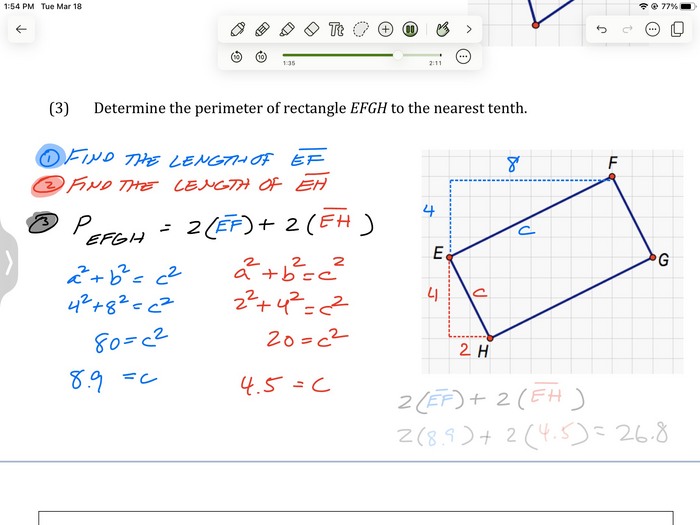
    1. Your .note file with an attached recording
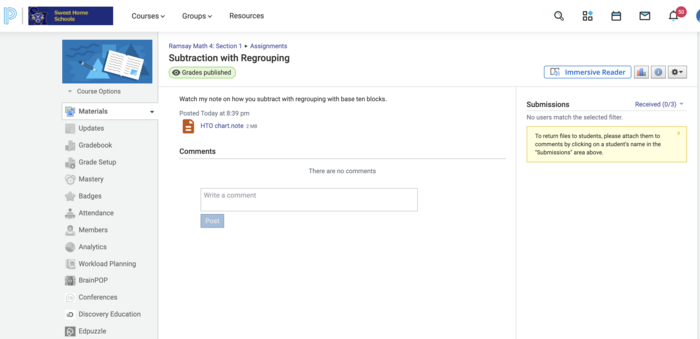
    2. Your .note file attached to a Schoology assignment for student use.

All posted evidence

Posted Image

mark-ramsay 3 months ago

Posted Image

mark-ramsay 3 months ago

Part 3- Audio Recording…

martjd28 5 months ago

Part 3- Audio Recording…

martjd28 5 months ago

Part 3: note added to schoology

pawlak-jayna 6 months ago

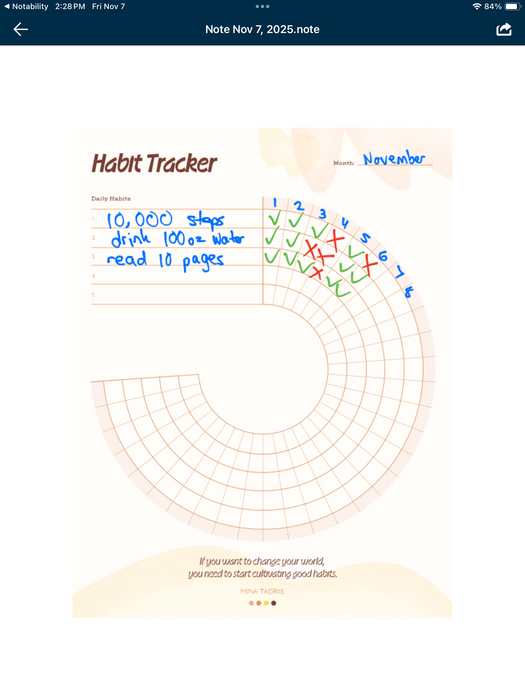
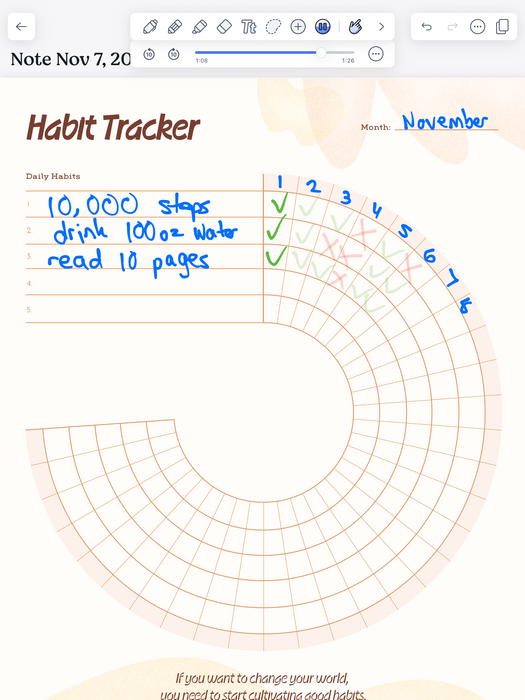
Part 3: Demonstration of using a habit tracker

pawlak-jayna 6 months ago

2/2

kylie-prizel 6 months ago

1/2

kylie-prizel 6 months ago

Part 3 - Audio Recordings - Checking Account Notes Schoology Posting

There was a problem processing this image, the file may be of an invalid format.

Uploaded Filename: Schoology note assignment.heif

melissa8 10 months ago

Part 3 - Audio Recordings - Checking Account Notes

melissa8 10 months ago

Part 3 - BIG JUMP!

dtracz About 1 year ago

Part 3 - I love after the fact you can click on the text to jump to the video

dtracz About 1 year ago