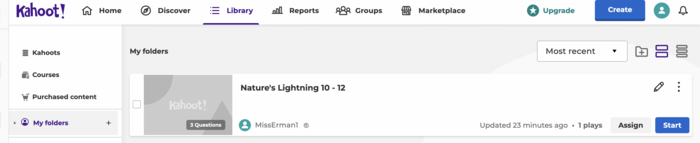
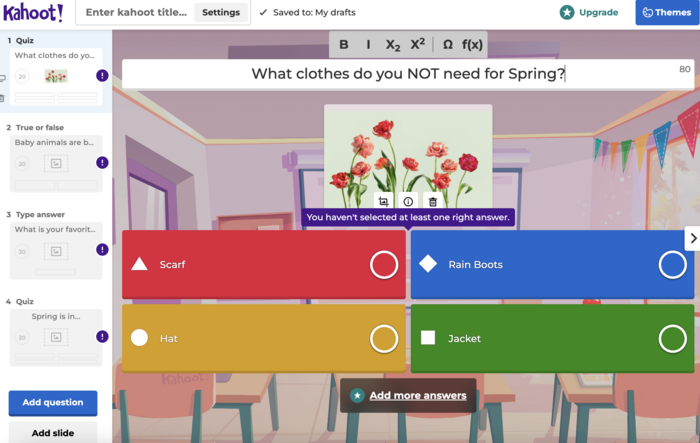
Learn how to create a Kahoot! from scratch and to search the Kahoot! Community for useful tasks.
In this Task…
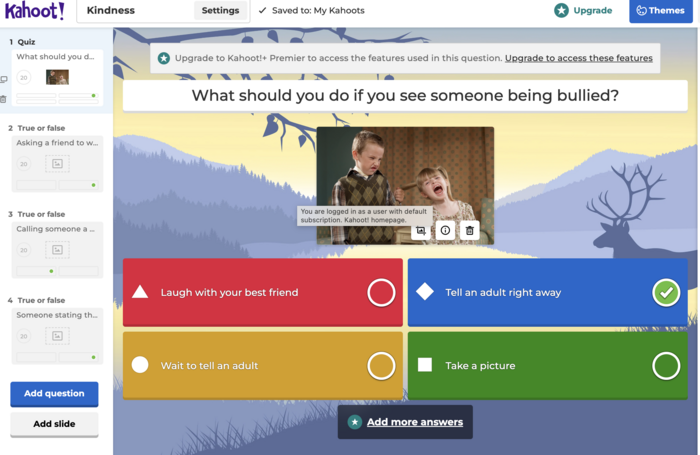
You will learn how to create a Kahoot! activity from scratch as well as how to search for and edit existing Kahoot! activities created by others.
Your Task:
- Make your own Kahoot!
- Choose what type of Kahoot! activity you want to use with your students.
- Have some content ready that you'd like to review.
- Watch the video below: (06:13 - 15:00) to familiarize yourself for game creation.
- View how the game is played: (15:30 - 19:48).
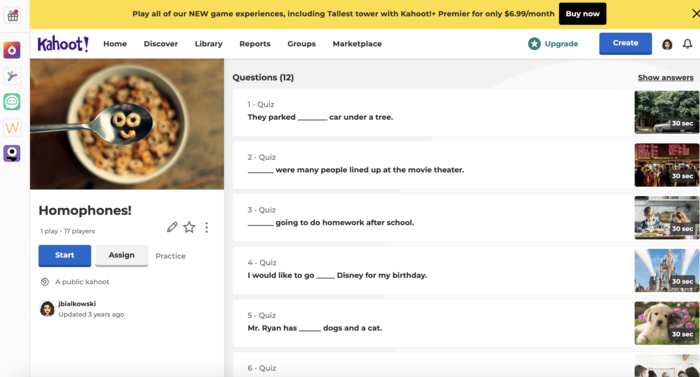
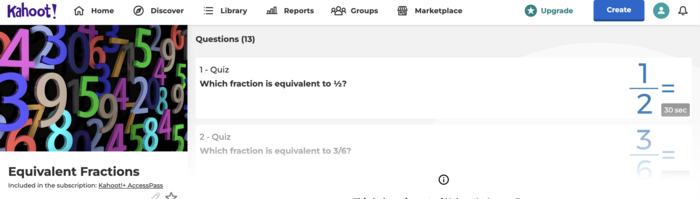
- Search the Kahoot! Community
- Watch the video below: (19:48 - 21:27) to find a pre-made Kahoot! to use in your class.
- Launch the Kahoot! as is, or follow the previous steps to edit the Kahoot! to suit your needs.
Resources…
Kahoot Tutorial (Free Version)
Evidence of Learning...
- Create your own Kahoot!
- Submit a screen shot of an activity that you created to use in your course.
- Edit from Community
- Submit a screen shot of an activity that you found in the Kahoot! library and plan to use with your students. (Be sure to check the game for accuracy and content, edit as necessary).


 Kahoot! Level 1