Deliver your EdPuzzles via Schoology or set up your own class!
In this Task:
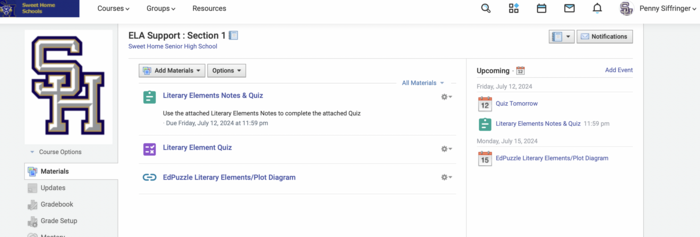
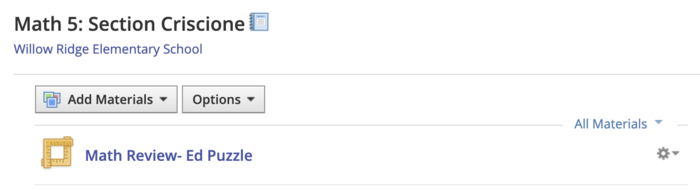
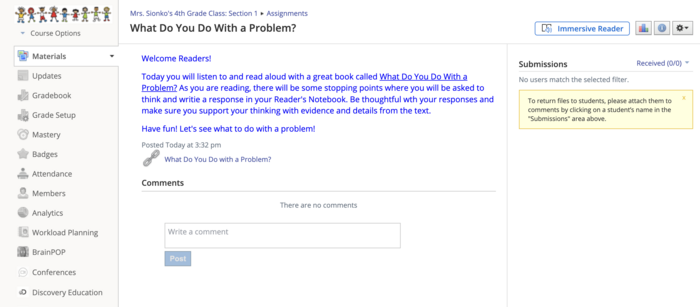
If you are a Schoology user, you can easily add EdPuzzles to be delivered automatically. Or, if you want to set up a class to manually add students (or students can use a join code) you can.
[1] Watch video 1 below to review how to create an assignment. You may choose to skip ahead to 02:50 if EdPuzzle is already connected to your Schoology account.
or
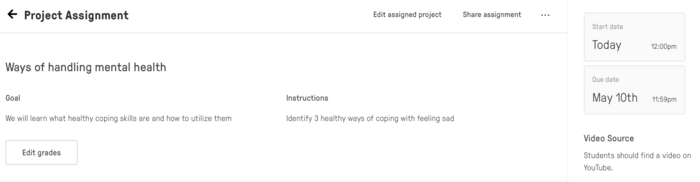
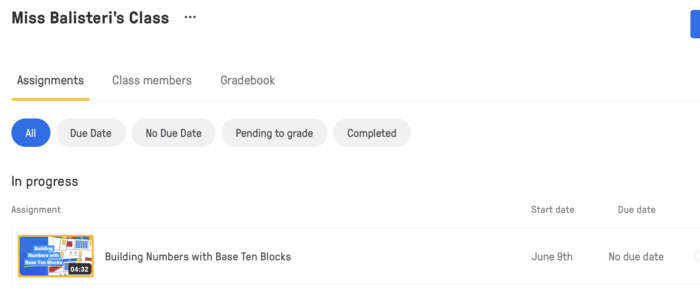
[2] Watch video 2 below if you plan on manually adding students to your EdPuzzle class.
Resources:
[1] How to Create EdPuzzle Assignments in Schoology (5:20)
[1A] It is important to note that you may not have to connect Schoology & EdPuzzle as it may already be done for you since Sweet Home is an "Enterprise" school district (we bought the subscription).
[2] How to Create EdPuzzle Class & Invite Students
[3] Schoology Help Center Article.
https://support.edpuzzle.com/hc/en-us/articles/360027999011-How-do-I-connect-Edpuzzle-to-Schoology
Evidence of Learning:
[1] Create an EdPuzzle lesson.
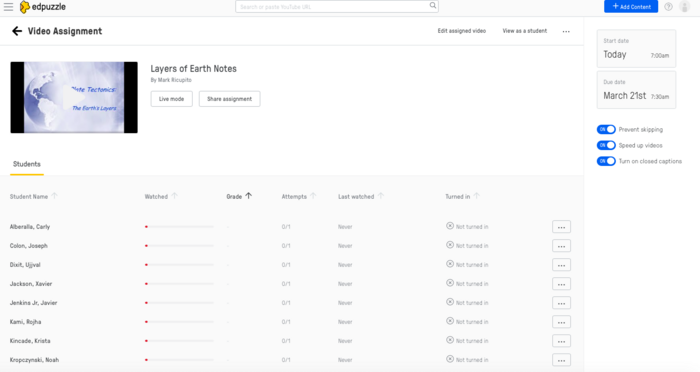
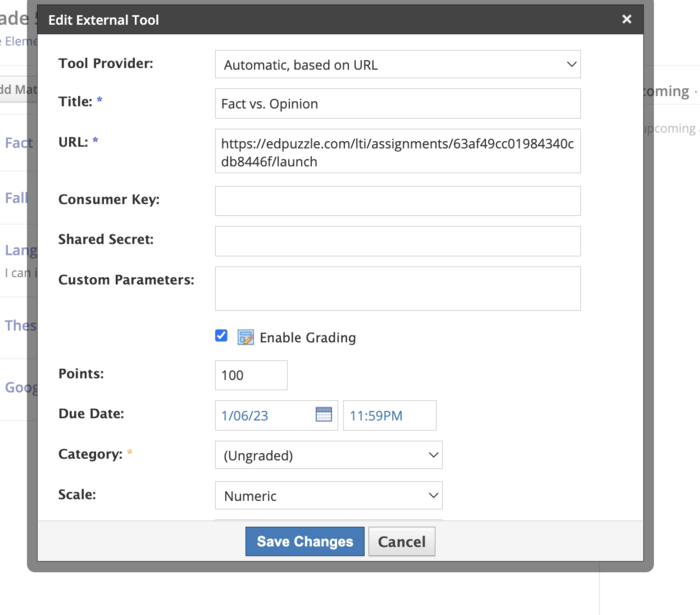
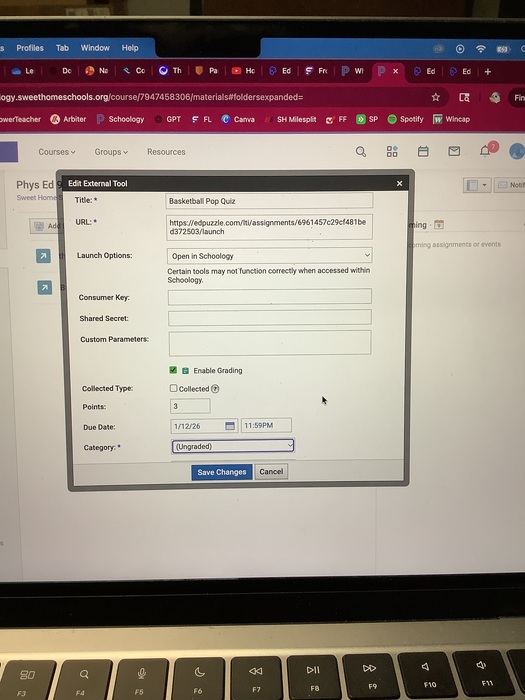
[2] If you integrate EdPuzzle to Schoology, take a screenshot of your EdPuzzle assignment "edit screen" that shows the details of the due date, category, etc. Submit the pic for your badge review.
or
[3] If you create a classic class, take a pic of your class roster and submit for your badge review.


 EdPuzzle - Level 1
 alanb
2 months ago
alanb
2 months ago
 amy-canetti
Over 1 year ago
amy-canetti
Over 1 year ago
 streebela
About 3 years ago
streebela
About 3 years ago
 chrissy
Over 3 years ago
chrissy
Over 3 years ago