
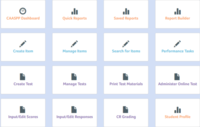

If you just want to see the scores, you can go to report
builder and get the scores there. For more details, for example how students
did on certain standards or strands, go to the standards based reports, pick
your classes at your site, or whichever students you are looking for scores on. The most current year of enrolled students
will automatically show. If you want to change to last year, you will need to change
the year enrolled. Then you can choose
which strand or standard results you want to see using the dropdown menu when
the report is showing. Maybe you want to
see why most students missed a certain problem. You could use this information
to determine if there is a concept that the students need to be retaught or
maybe students are just confused with that standard and you’d like to see what
you want to focus a mini lesson on to address the problem.
