Google Classroom Starter

Know your options

Only editable by group admins

  • Last updated November 17, 2020 at 4:19 PM
  • Evidence visible to public
When you create lessons or assignments, you have the following options to create: Assignment, Material, Topic, or Reuse Post. Explain the differences between them and how they work. You can respond in text here or link to a Doc where you prepared your answer.

All posted evidence

Assignment, Material, Topic, or Reuse Post. Explain the differences between them and how they work

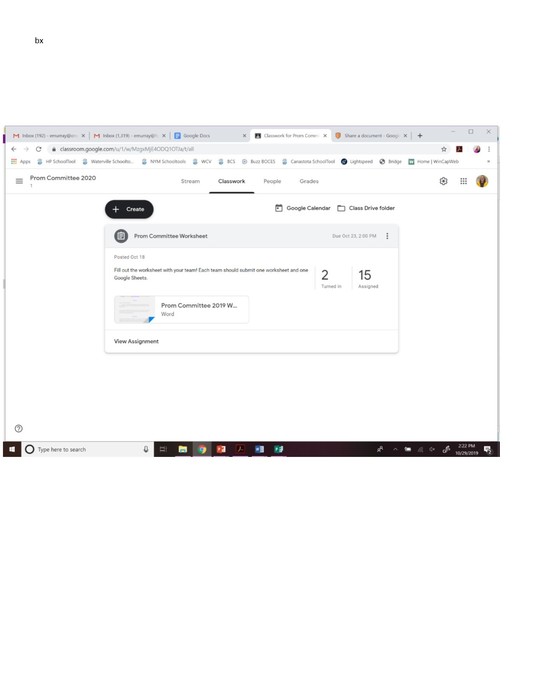
Assignments - allow the students to interact/complete (ex: graphic organizer)
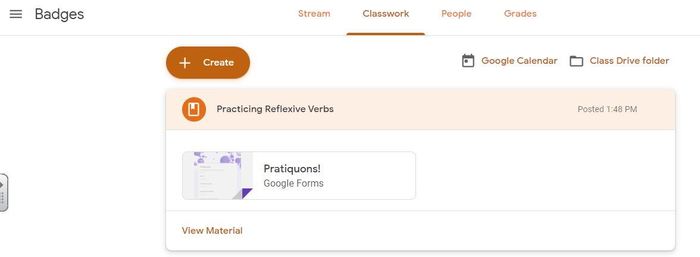
Material - just for viewing  (ex: rubric)
Topic- What you are learning (ex: Central Idea)
Reuse a post - take a post from one class and reuse it in a another class (ex: an assignment)
kellymhealey Almost 5 years ago

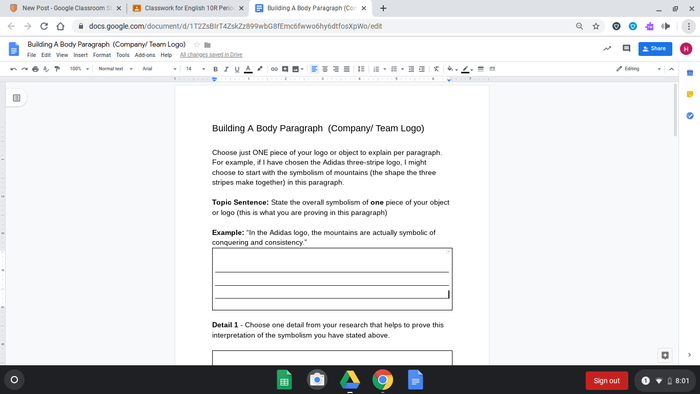
Writing organizer posted as materials.

hroberts Almost 6 years ago

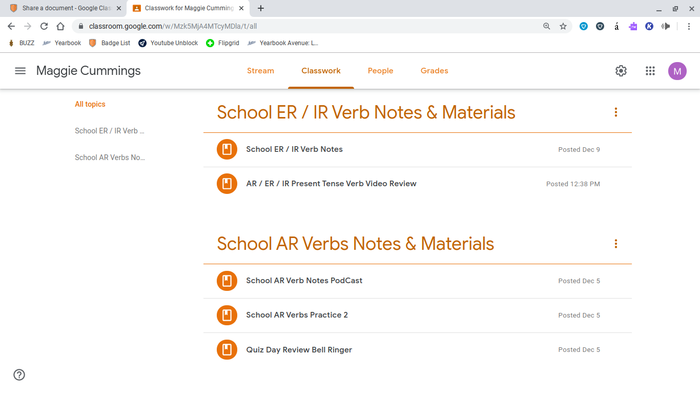
This is an Example of Notes / Documents / Videos that I have uploaded in the Past week to help Maggie with her Assignments!

tiffany-morgan About 6 years ago

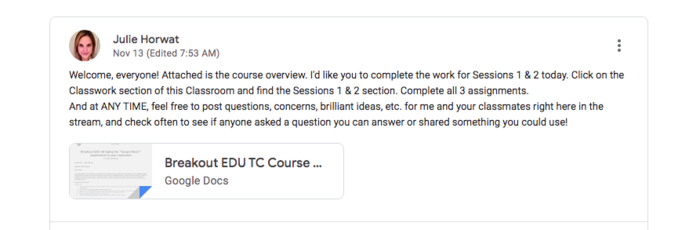
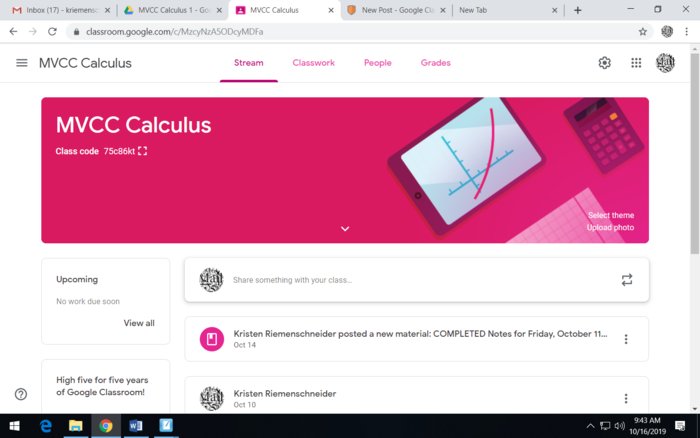
Shared the course syllabus with the students in my class.

jhorwat About 6 years ago

Assign in Classroom

lisa-szot About 6 years ago

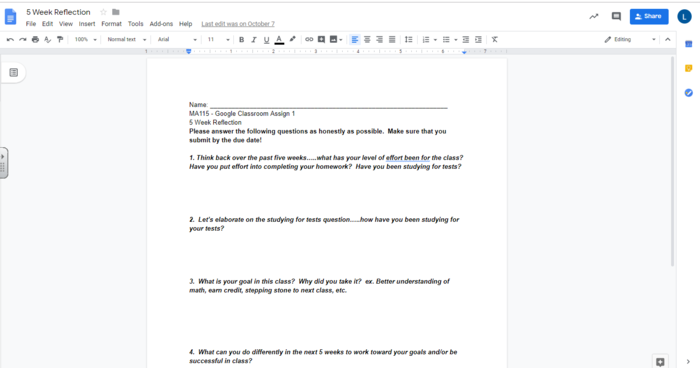
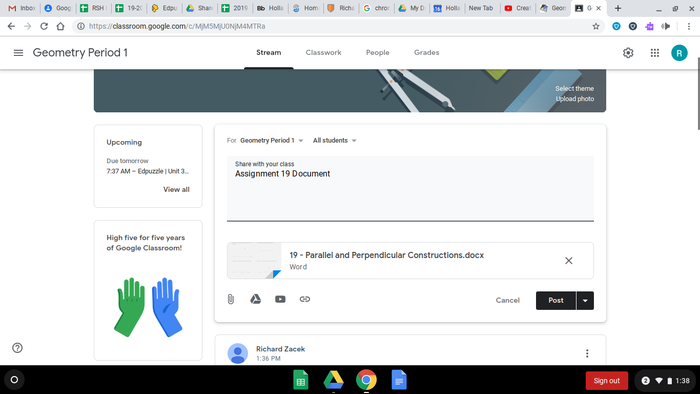
A document that I created on Google Docs and then put in a shared folder and then uploaded to the Google classroom that each student gets

erin-murray About 6 years ago

Posted Image

michael-reilley About 6 years ago

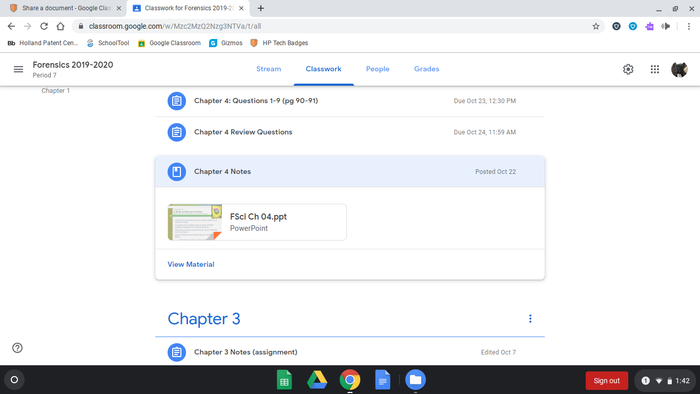
This is an image of the Chapter 4 notes I uploaded to the classroom this week

eric-hansen About 6 years ago

Posted Image

melanie-mancari About 6 years ago

Posted Image

rzacek About 6 years ago

Posted Image

kriem About 6 years ago

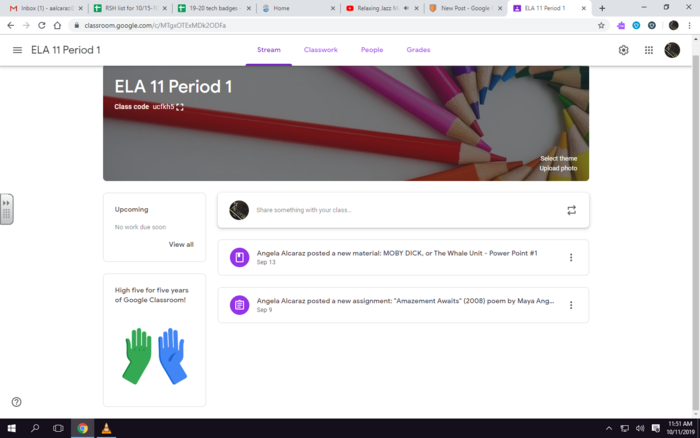
ELA 11 material in Classroom shared with students. 1, Central idea essay w/ poem assignment 2, Moby DIck power point for note-taking.

angela-alcaraz About 6 years ago