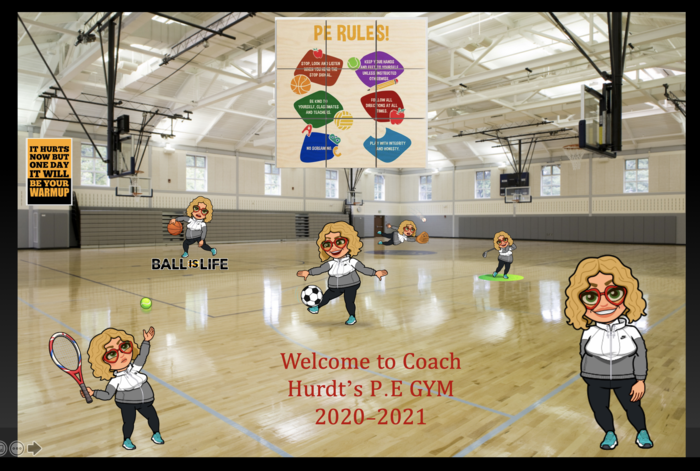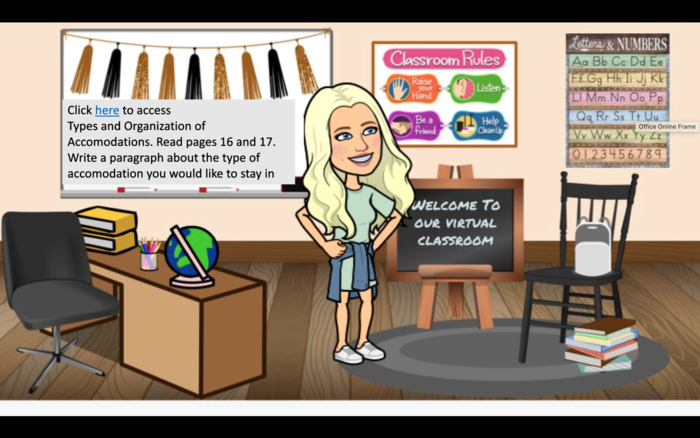
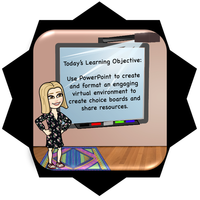
Save your PowerPoint Virtual Classroom as a PDF, PowerPoint Show, or MP4 (if video in slide) and share the file here. If it is too large, save it to OneDrive and share the OneDrive link.
All posted evidence
Posted Image
madelinehurdt
Over 5 years ago
Kelley's BMC room
loydkelley
Over 5 years ago
Posted Image
madelinehurdt
Over 5 years ago
I had fun creating the Bitmoji classroom. I had to call a few people for a few pointers, but I am pleased with the final product.
planzas
Over 5 years ago
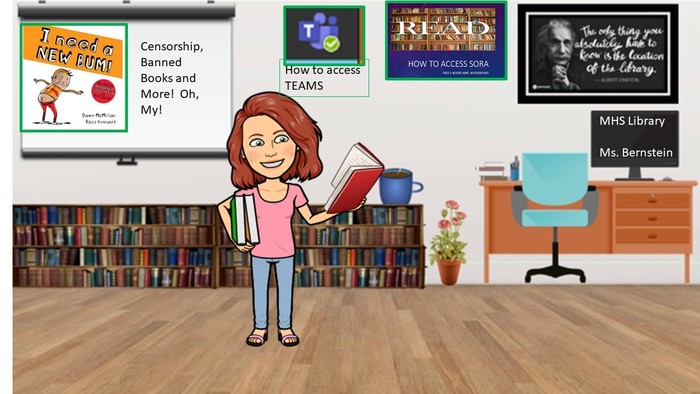
pictures with green frames are interactive
cbernstein
Over 5 years ago
Virtual Bitmoji Classroom
bianca2020
Over 5 years ago
This is the practice one! I will submit evidence once it is edited and in place for the new students to see.
Click on the attachment. 1. Click the :label: button, click on view original. 2. Choose a book from the book shelf and listen to the story. 3. Record :mic: to tell me your favorite part of the story. 4. Click on the green :check: to submit your work. 5.
Create a new presentation and edit with others at the same time. Get stuff done with or without an internet connection. Use Slides to edit PowerPoint files. Free from Google.