|
Google Chrome Navigator PublicBrea BOLDSign in to Google Chrome, add and manage bookmarks and extensions, use advanced settings. |
| To get this badge, join it and submit the required evidence. | |
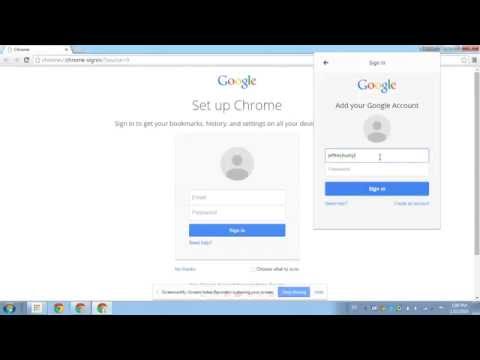
Google Chrome Sign InSign in to Google Chrome to customize your Google Chrome experience. More Info |
Google Chrome ExtensionsAdd the Capture, Explain and Send Screenshots extension to Google Chrome. Then take a screenshot of the enabled extension and upload the image as evidence. More Info |
BookmarksBookmark 4 of your favorite websites. Open bookmark manager and put them in alphabetical order. Then take a screenshot of the bookmarks and upload as evidence. More Info |
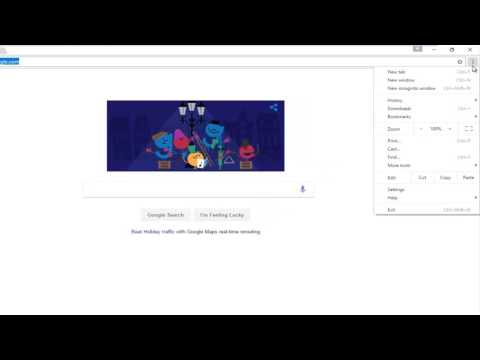
Set Google Chrome Home PageNavigate to the website you would like as your home page. In the settings menu, set this page as your home screen. Then copy and paste the link as evidence. More Info |