Microsoft Excel - 1/3

1. Complete a Project

Only editable by group admins

  • Last updated August 6, 2024 at 3:13 PM by byustl
  • Evidence visible to public
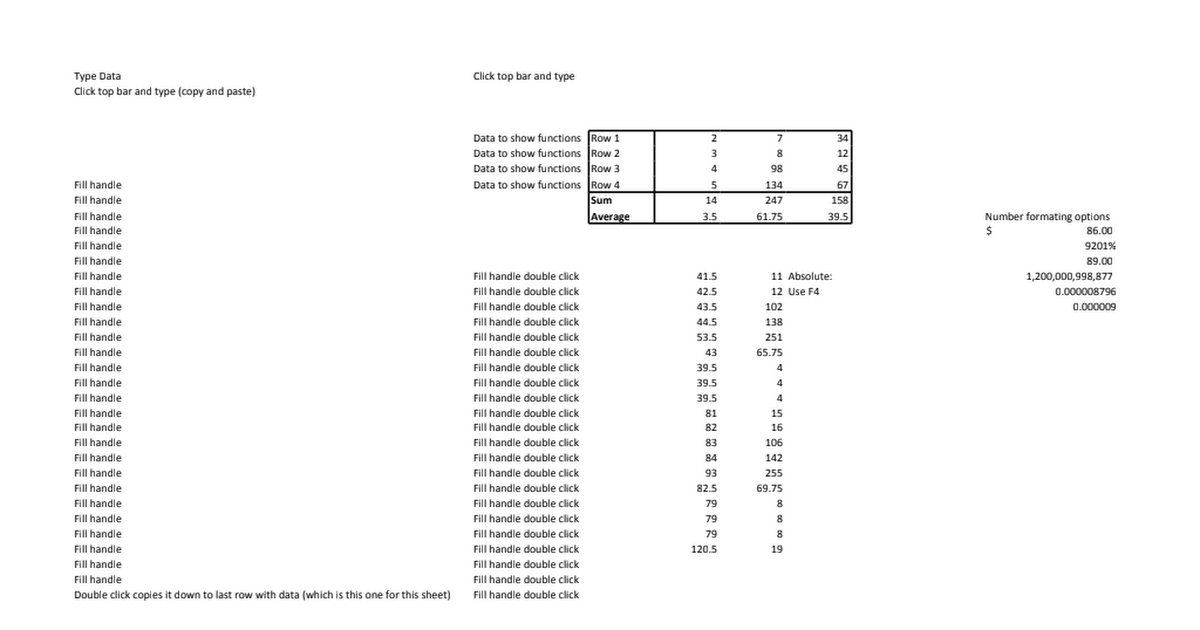
Create a project demonstrating your ability to use all of the tools listed below. Provide a brief explanation of your project and post a link to the file.

Demonstrate skill with:

  • Create new worksheets and name them.
  • Enter in data in cells in different ways.
  • SUM function
  • AVERAGE function
  • IF function
  • MIN function
  • MAX function
  • Add, subtract, multiply, and divide formulas
  • How to use the fill handle and demonstrate the different methods of the fill handle (click and drag method, double click method).
  • Understand the different formatting options for cells. (Phone number, $$, time)
  • Know and explain how the absolute reference works. Know the shortcut key for both Windows and Mac.
  • Data cleaning
    • Format painter
    • Remove duplicates
    • Text to columns

All posted evidence

Gotta love Excel

Box

Box

18lmartin Over 4 years ago

Excel 1 Badge Project

Box

Box

cinnivex Over 4 years ago

excel 1 project

Box

Box

karleepyne Over 4 years ago

Chess

Box

Box

nathanwjcannon Almost 5 years ago

This is a mock excel sheet

Box

Box

nathanwjcannon Almost 5 years ago

Excel

Box

Box

garrett-johns About 5 years ago

excel 1 project

Box

Box

addiehop Over 5 years ago

PMG Attribute Activity on Excel, plus another worksheet with stuff I couldn't show

Box

Box

savfill Over 5 years ago

Excel One

Microsoftonline

Sign in to your account

lilliv Over 5 years ago

My Budget

Box

Box

hsorensen138 Over 5 years ago

Excel 1 Project!

Box

Box

katem88 Over 5 years ago

Lil project using all the bullet points

peter-giles Almost 6 years ago